Parts & Services | Office
Overview
The Parts & Services menu gives you access to your complete catalog of parts, items, and services.
Lexul Field Service makes it easy to manage your catalog by allowing you to:
- Add and update parts, items, and services.
- Sync inventory data from QuickBooks, including:
- Inventory Parts
- Non-Inventory Parts
- Services
- Items
Services
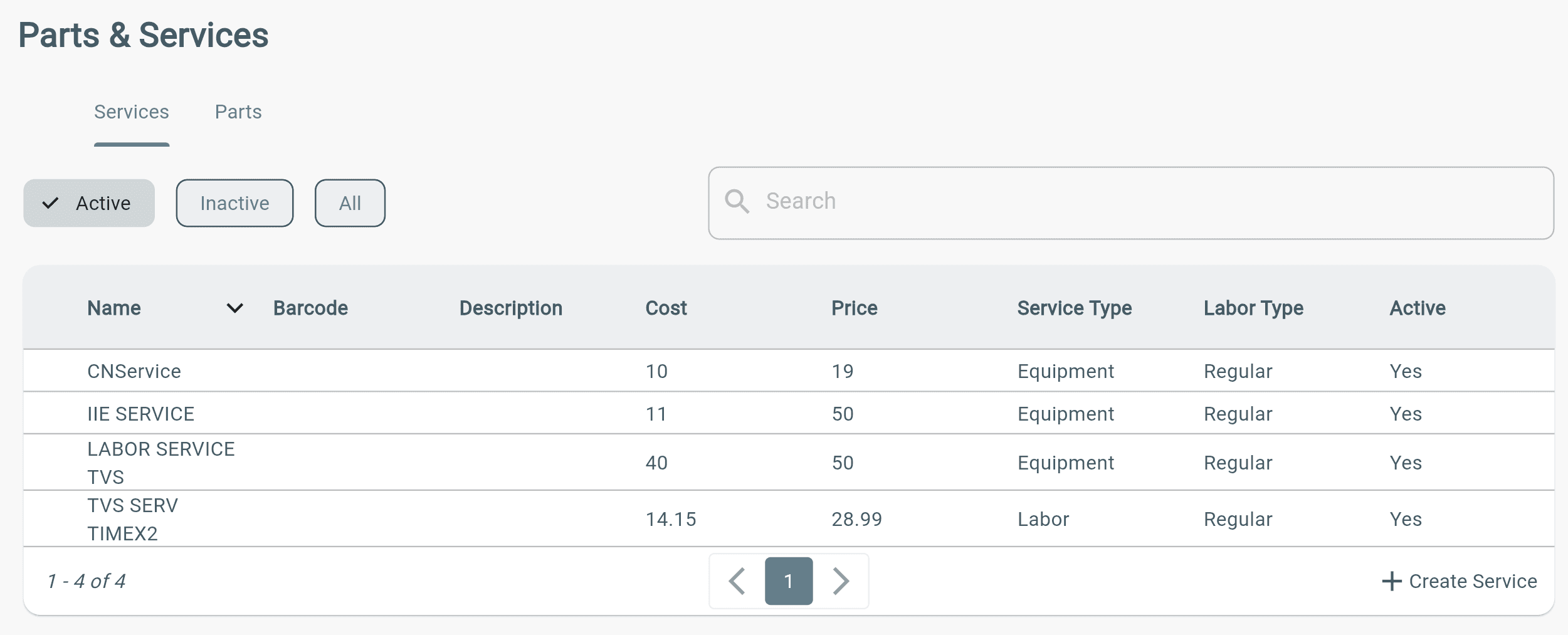
The Services tab displays all available services in your catalog.
Services can be added to work orders by:
- Office users
- Technicians
This allows teams to quickly select the correct services when creating and completing work orders.
Parts
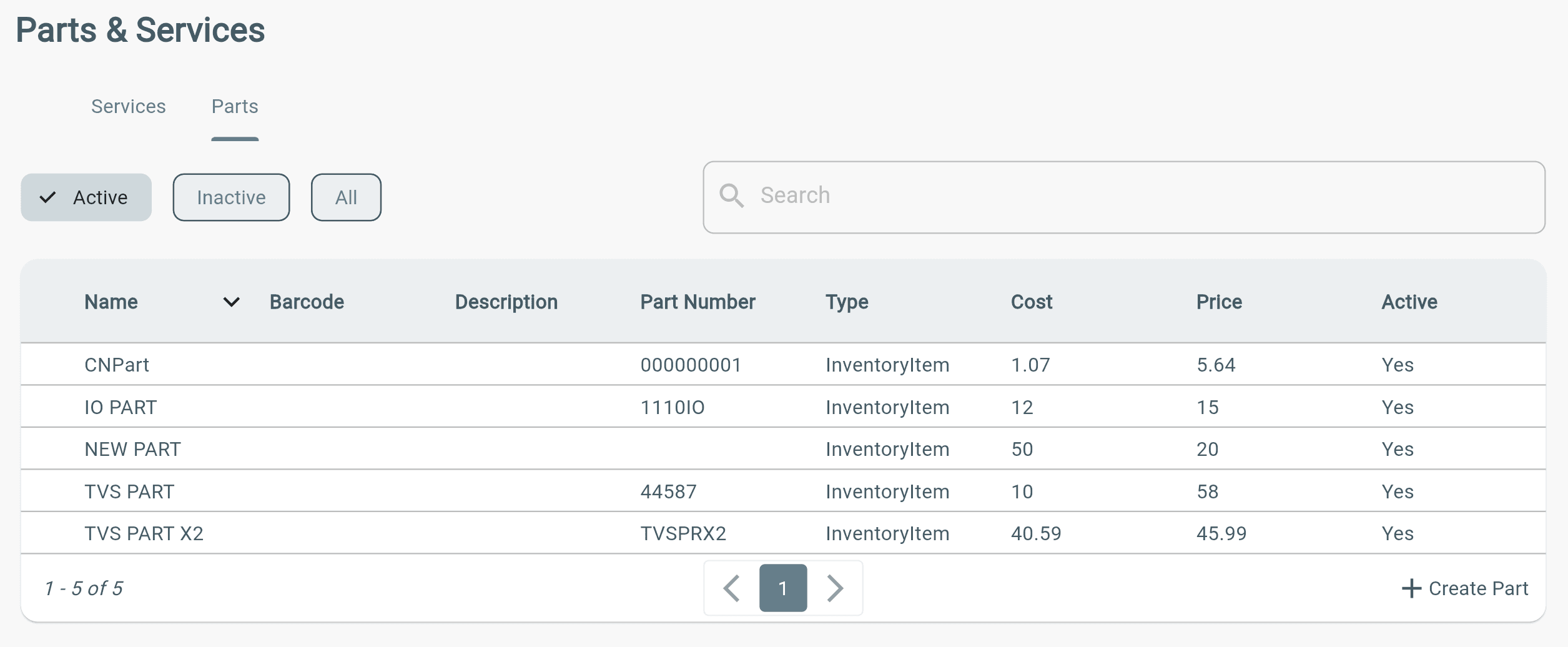
The Parts tab displays all available parts in your catalog.
Users can view and select parts when creating or completing work orders, including:
- Part name
- Part number
- Type
- Cost
Parts can be added and managed by office users, then made available for technicians to use on work orders.
Additional Info
Parts & Services can be imported directly to Lexul Field Service by syncing from QuickBooks Desktop, or QuickBooks Online.
See this article on how they can be added manually if you do not have Quickbooks.