Office
Adding Inspections
How to add pre & post-service inspections in Lexul.
Overview
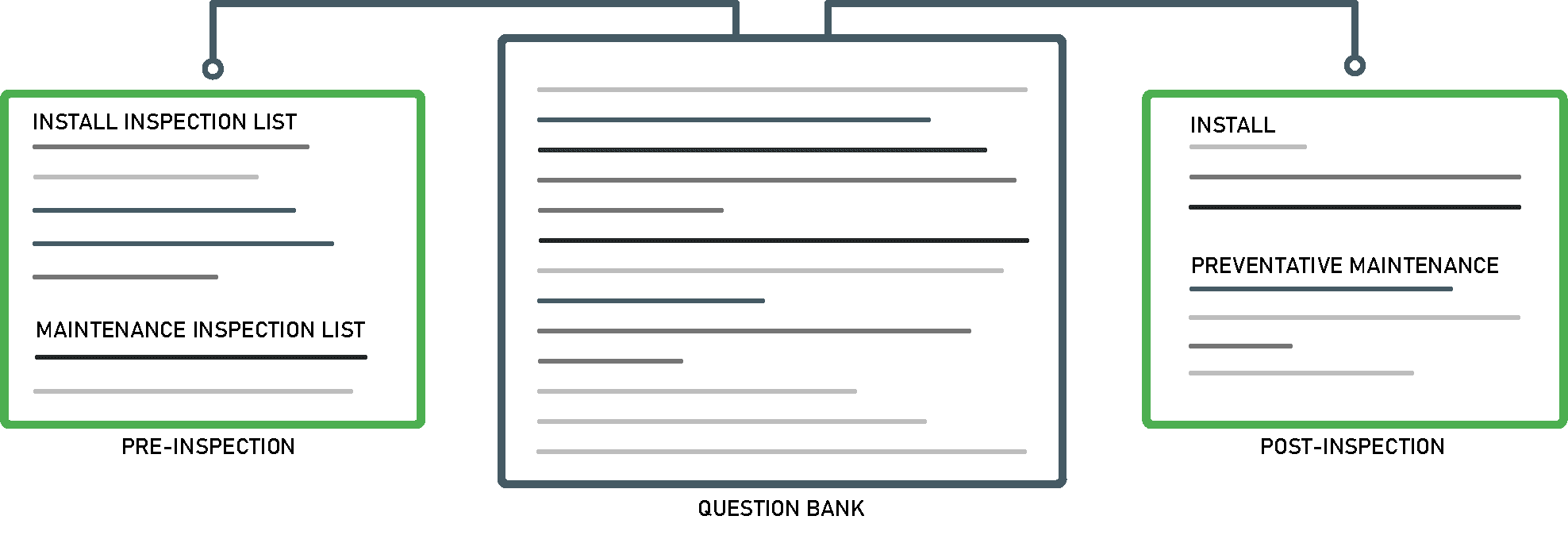
Pre & Post-Service Inspections help technicians capture the information needed on-site to complete the job and prepare accurate invoices.
See this article for a complete overview of Pre & Post-Service Inspections.
Adding Pre & Post-Service Inspections
- Go to Inspections from the menu.
- Add, edit, or manage Inspection Lists and Questions using the available tabs.
- To add a question:
- Select the Inspection Questions tab.
- Click the blue Action button in the bottom-right corner.
- Select Create Question.

Adding Questions to Services or Inspections
- Go to the Inspection Lists or Services tab.
- Select the specific Inspection List or Service.
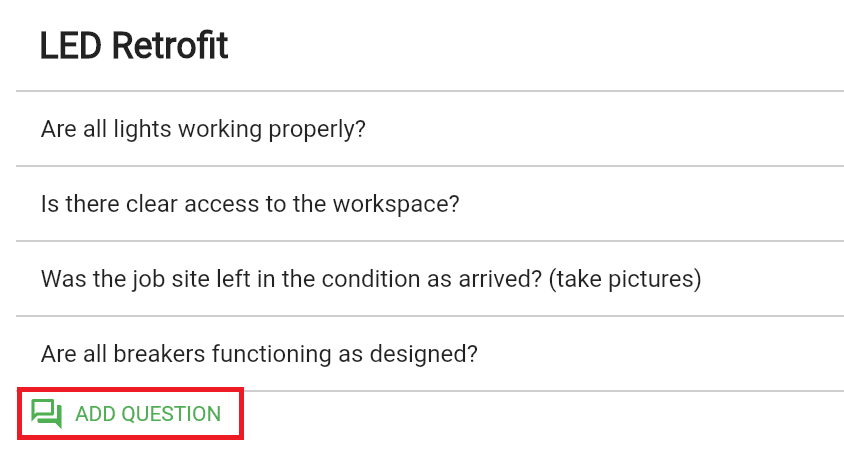
- Click Add Question.
- Create and customize questions for the selected Inspection List or Service.
- Inspection Lists added to a work order will automatically appear in the Pre-Service tab when creating a new work order.
Additional Info
For Service questions to appear as a Post-Service Inspection on a work order, the Service (i.e.: LED Retrofit) must first be added to the work order by an office user, admin, or technician.
Inspection Types:
- Pre-Service Inspection: Created in Inspections.
- Post-Service Inspection: Created by adding questions to a Service.