Office
Calendar Dashboard
Overview
Calendar dashboard shows every user's schedule, routes, in multiple calendar views.
List Technicians Vs. No-Technicians
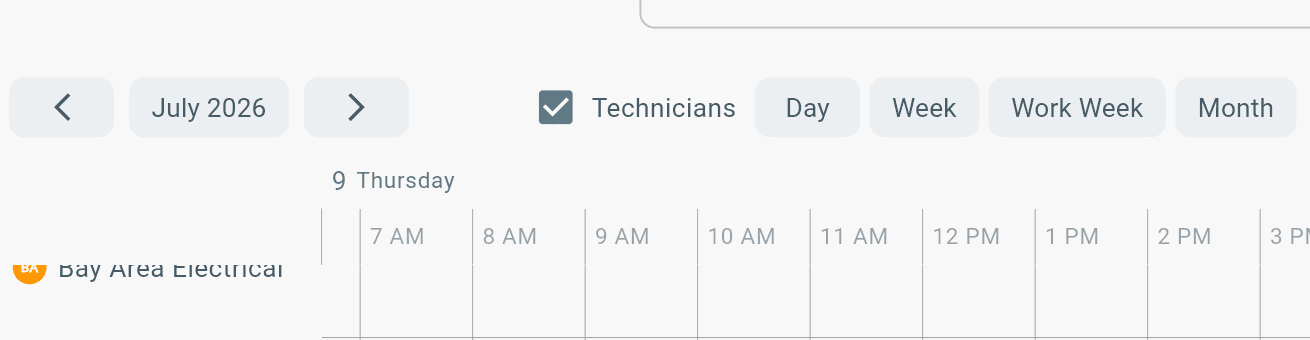
Select Technician toggle to see Technicians included in calendar list:
Calendar Filters
Filter calendar by:
- Day
- Week
- Work Week
- Month
Schedule Times on Calendar
How schedule events show on calendar dashboard:
1. Scheduling technicians on work orders
- Open work order > Find admin tab > Schedule tech
Viewing Map Routes
To view map routes:
- Schedule times must be shown in calendar.
- Schedule times must be in the view of the user.
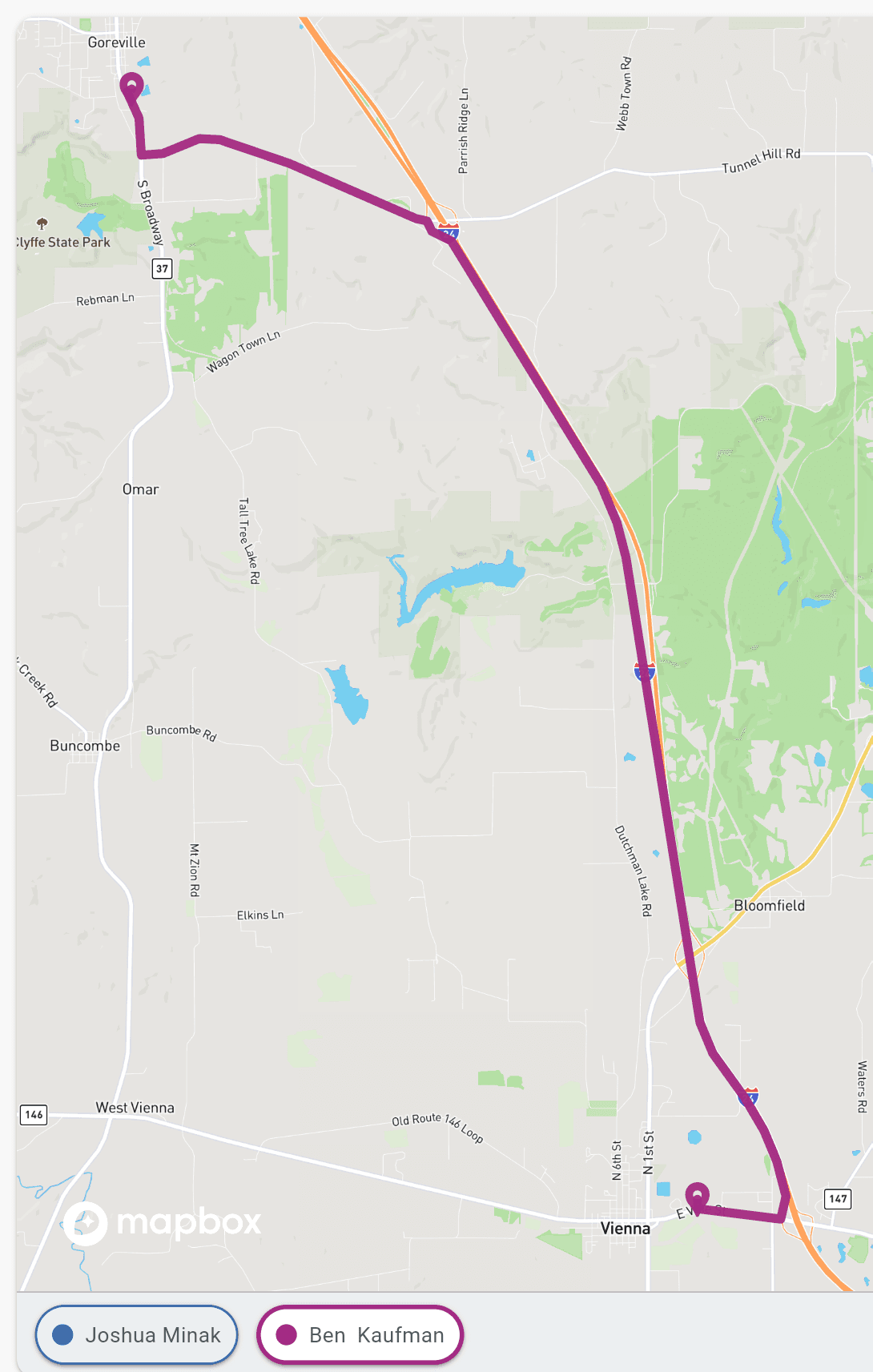
Hover a schedule event to view route OR Click the technician below the map.
Paginate Between Calendar List Users
Paginate between Calendar User List: