Office
Profitability Reports
How to create and view a new report in Lexul
Creating Report
Go to:
Menu → Reports
Then:
- Use filters to customize the report.
- Apply filters to narrow down results.
Report Filtering
Filter reports by:
- Date range
- Technician
- Customer
- Contract
What Data Can Be Seen
→ Profitability % Over Time
→ Average Costs By Expenses Type (Incl. Profit)
→ Expenses By Type Over Time
→ Profit By Work Order Type
Invoice Profit & Loss Report
Go to:
Work Order → Invoice tab
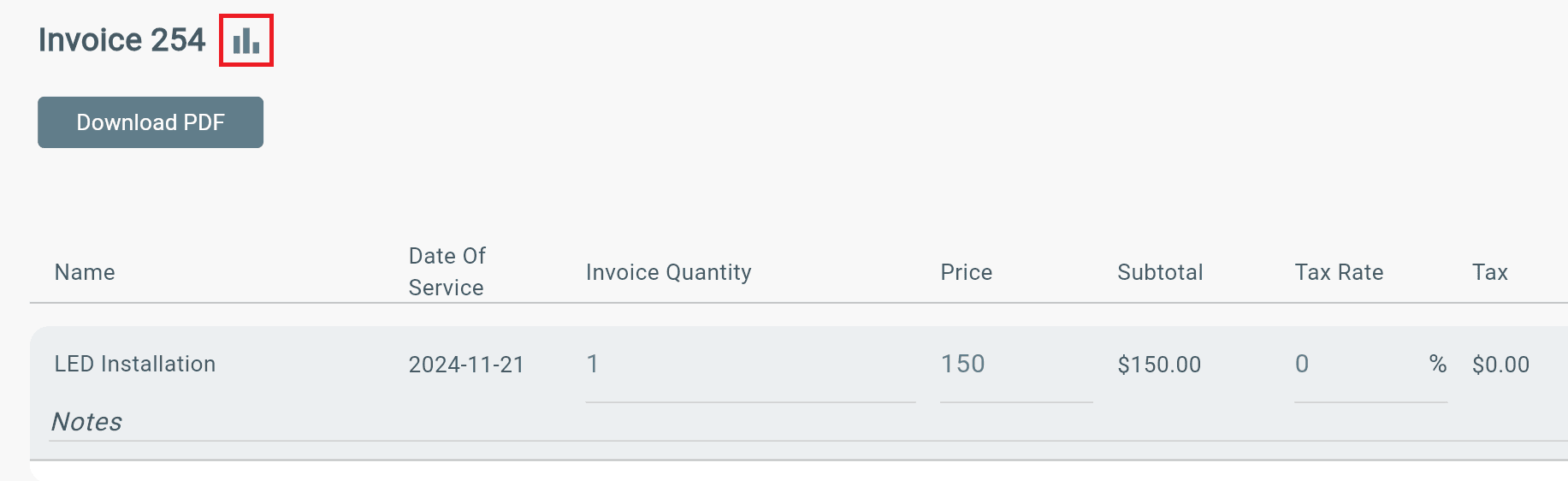
Then find and click graph icon next to invoice #:
Example: Invoice 254 (icon)
Additional Info
Profit reporting is still in the process of being built out. But reporting is still available while we work.