Defining the Scope of Work
What is the scope of work in Lexul Field Service?
Overview
The Scope of Work provides technicians with the details needed before arriving on-site. It outlines the job requirements, including services, parts, items, instructions, quantities, notes, and any additional information needed to complete the work.
By having these details available upfront, technicians can arrive prepared, understand the expected work, and complete the job more efficiently.
See this article for setup instructions.
Adding Scope of Work
Users with the appropriate office permissions can add a Scope of Work from the Arrival tab of any work order.
The Scope of Work can include:
- Services
- Parts
- Items
- Quantities
- Notes
- Additional job instructions or details
How It Works
Once the Scope of Work is saved:
- All added services, parts, and items are automatically populated in the Service tab of the work order.
- The same job details are made available to all assigned technicians, ensuring everyone has the information needed to complete the work consistently.
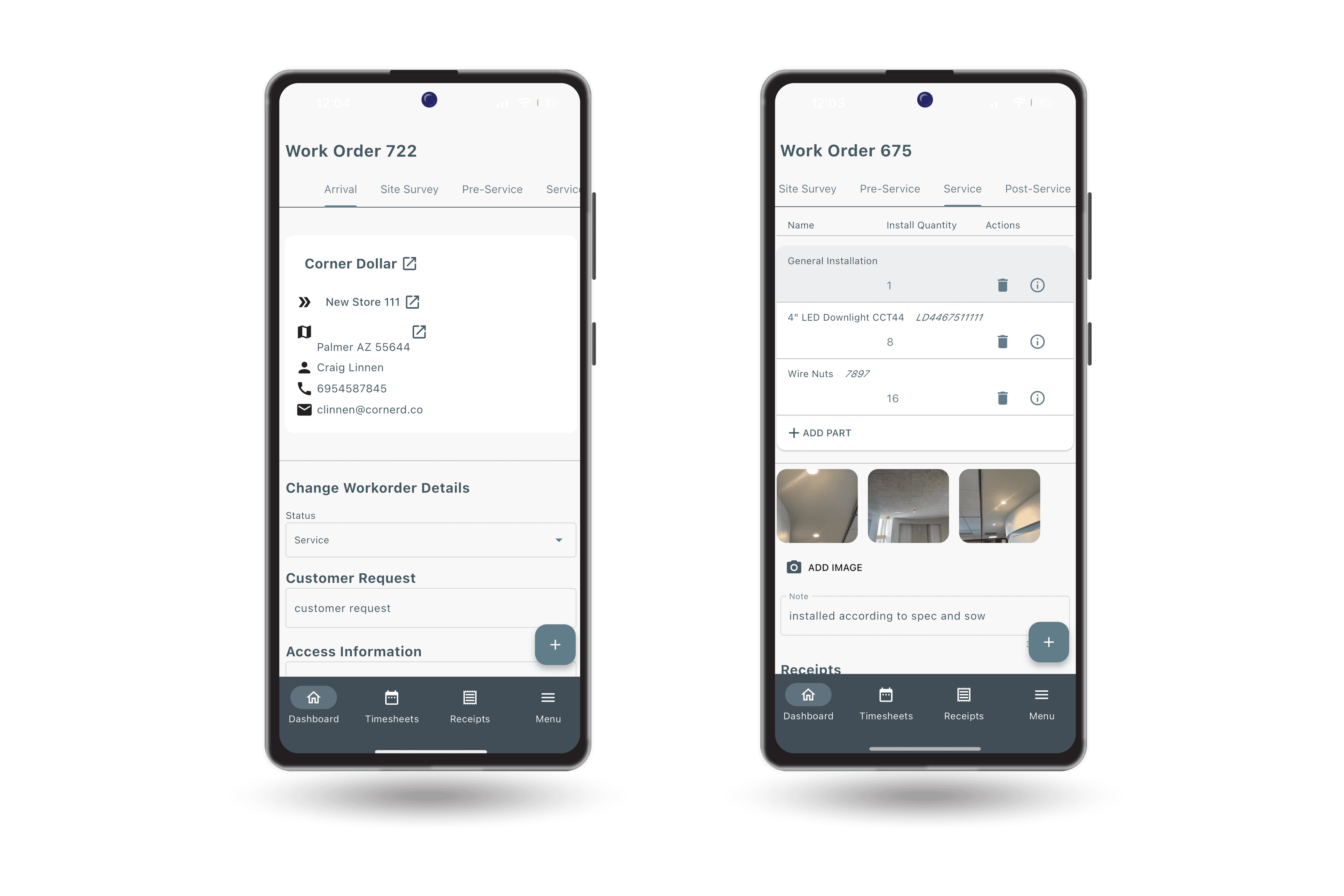
Technician View
When a technician opens a work order:
- The Scope of Work appears in the Arrival tab.
- All Services and Parts automatically appear in the Service tab.
Before moving to the Post-Inspection, the technician must enter the completed quantity for each service and part. Any quantity left blank will remain 0.
Permissions
Technicians can view the Scope of Work but cannot edit it. Only office staff with the appropriate permissions can make changes.