Office
Managing App Permissions for Location Tracking
How to manage iOS and Android location permissions.
Managing Android Location Tracking
Open Settings > Tap Location, or Security & Location
- Find Lexul Field Service App > Select Permission
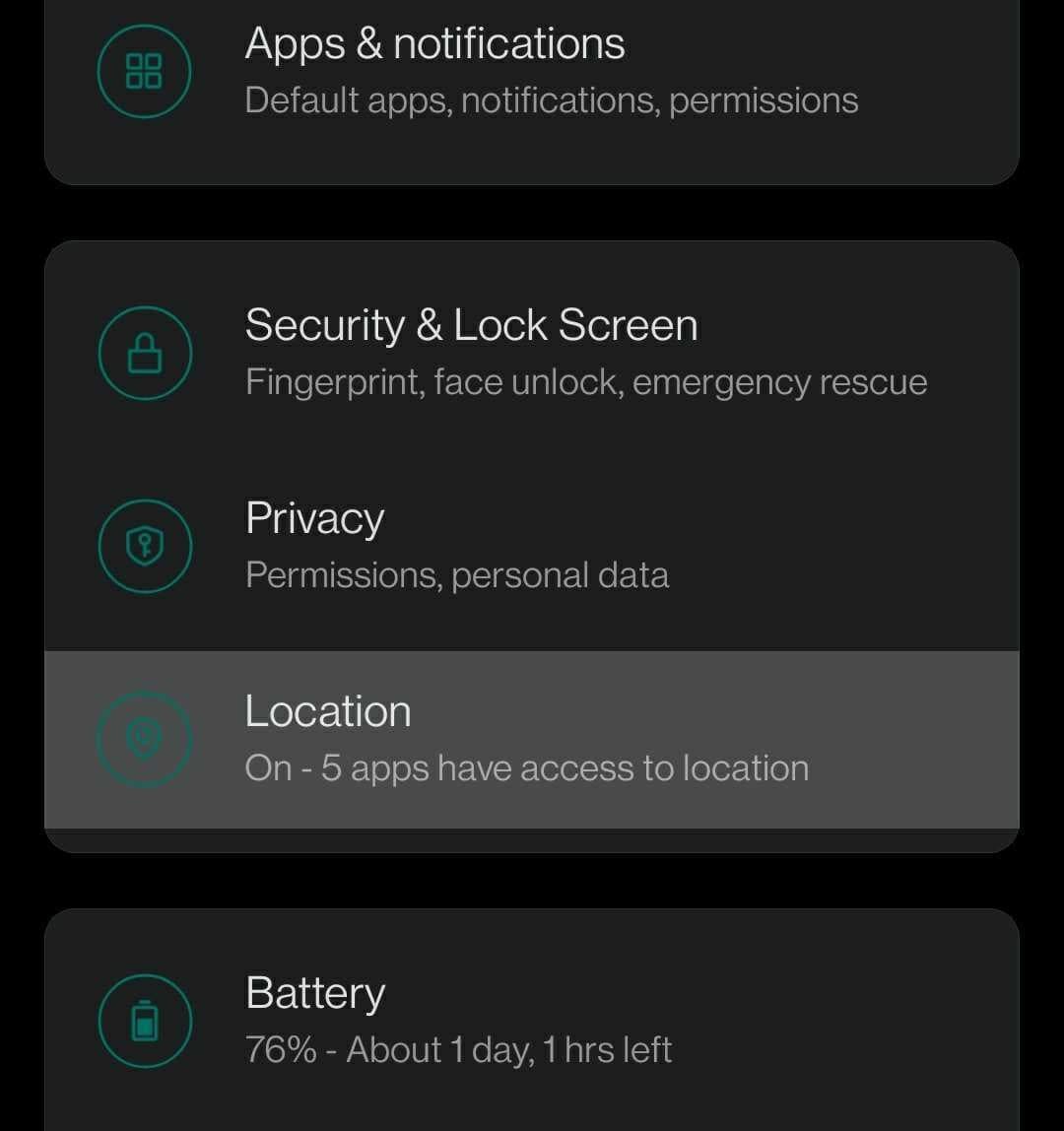
Or, tap and hold on Lexul Field Service app on your home screen > select App Info > Permissions > Select a permission
Managing iOS Location Tracking
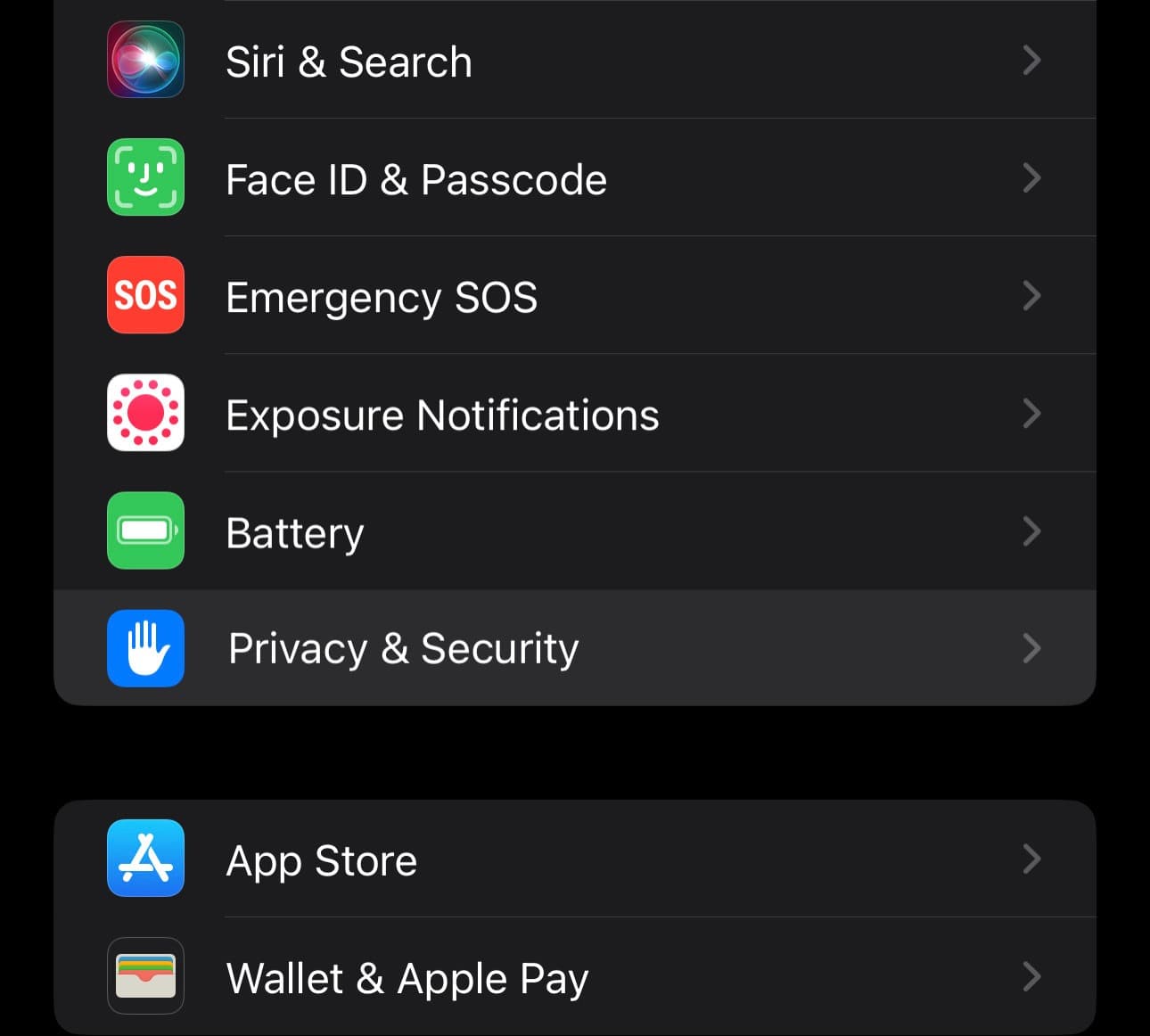
Go to Settings > Privacy & Security > Location Services, then:
- Scroll down to find Lexul Field Service app
- Tap the app and select a permission option
Additional Info
IMPRT: Location tracking only works for technicians using a TRAVEL work time type. Tracking works as the app is open.
Location services must be turned on for Lexul Field Service in order to track technician location, and to view on the dashboard maps, as well as the timesheets work time location map.