Integrations
Syncing QuickBooks Online Guide
1. Sign in to Lexul Field Service.
2. Go to Configuration → General Configuration → Accounting Integration.
3. Under the QuickBooks Online section, select Connect to QuickBooks.
Follow the prompts to sign in to your QuickBooks Online account and authorize the connection.

Then:
Sign into Intuit account
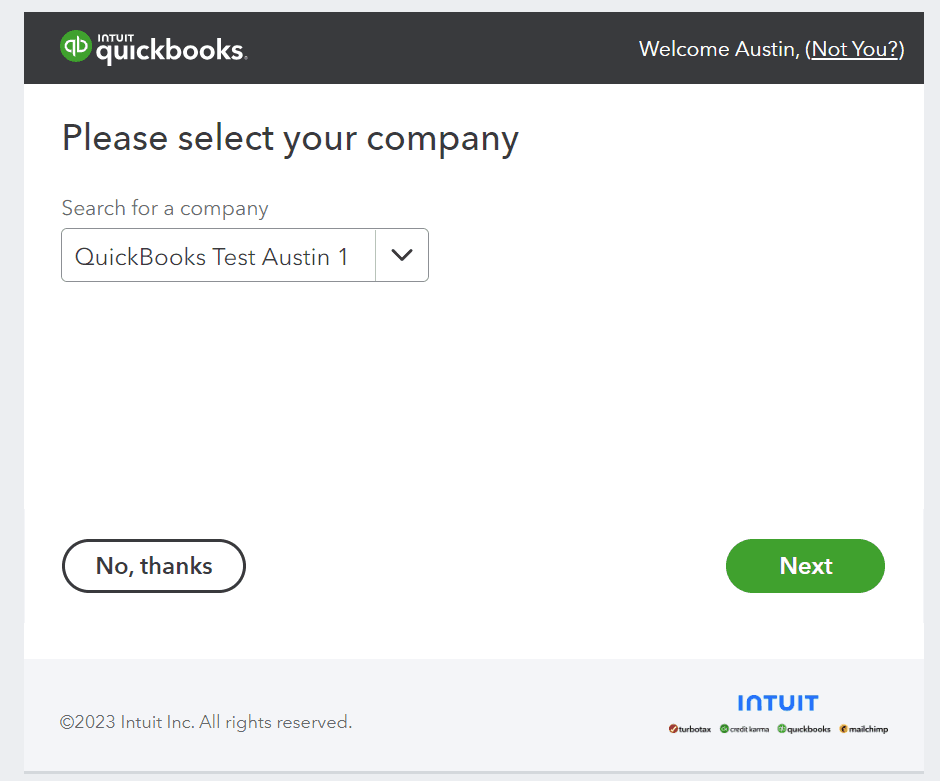
Select company file from the drop down and hit “Next”

Then:
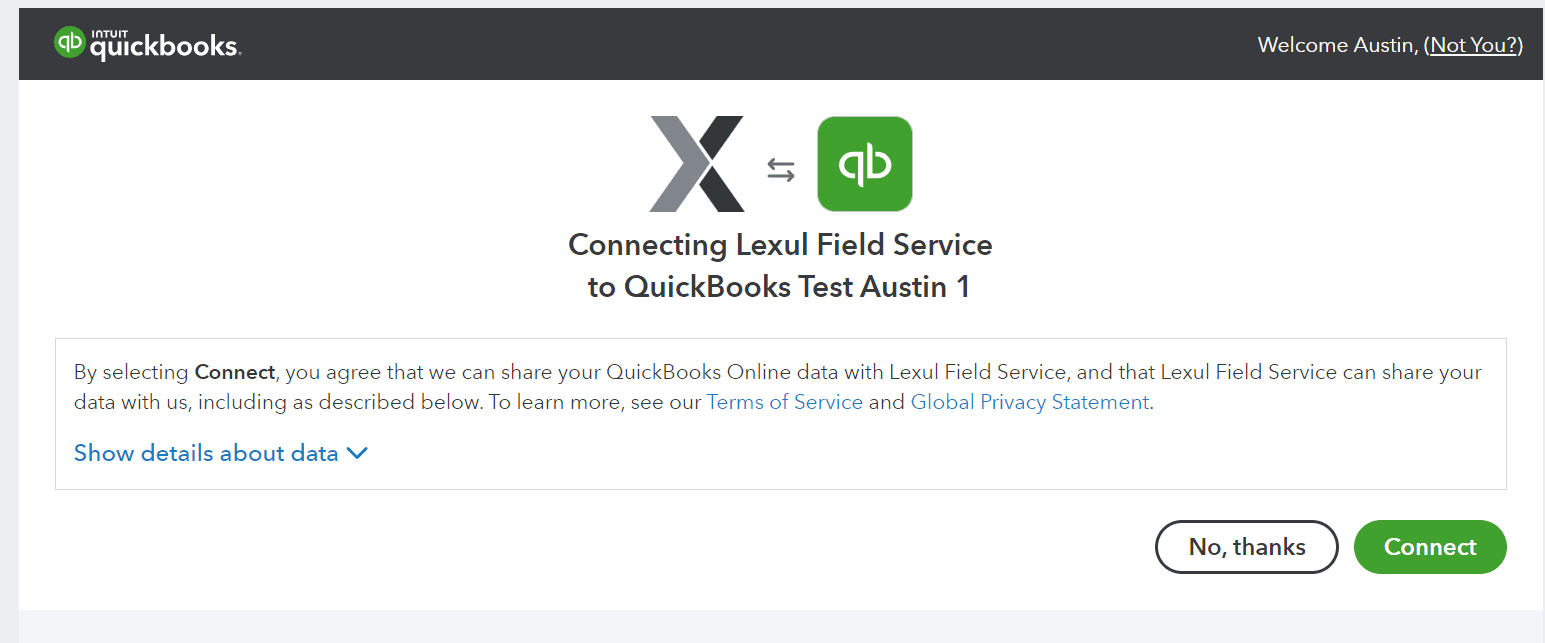
Choose “Connect” and close the window after it says the connection was a success.

QuickBooks Online will then automatically sync all mapped fields to Lexul Field Service about every 2 minutes.