Deal Tracking, Deal Quotes & Deal Leads
Setting up deal stages, creating quotes from deals, and creating work orders from deals.
Before creating deals, set up your available Deal Stages
1. Go to Configuration from the menu.
2. Select Sales.
3. Add a new Deal Stage.
Deal Stages help organize and track the progress of sales opportunities.
Create a Deal
1. Go to Sales from the menu.
2. Select the blue + Action button.
3. Create a new Deal and enter the required details.
After creating a Deal:
→ Select the Deal to open its details.
→ Add a new Activity or create a new Quote.
Create Activities
Activities help track tasks and actions related to a Deal.
1. Open the Deal.
2. Go to the Activity tab.
3. Select the blue + Action button.
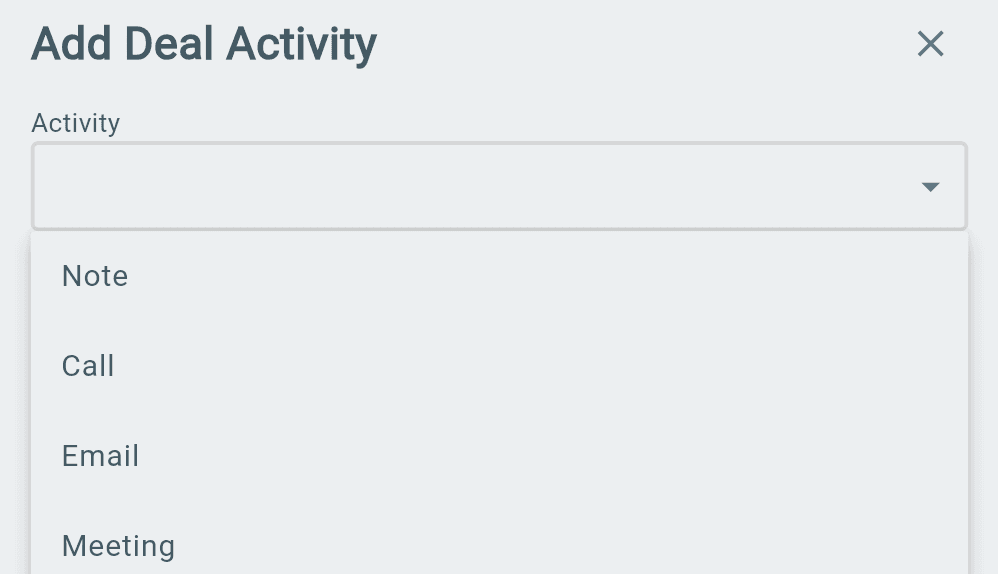
4. Choose the activity type from the list.
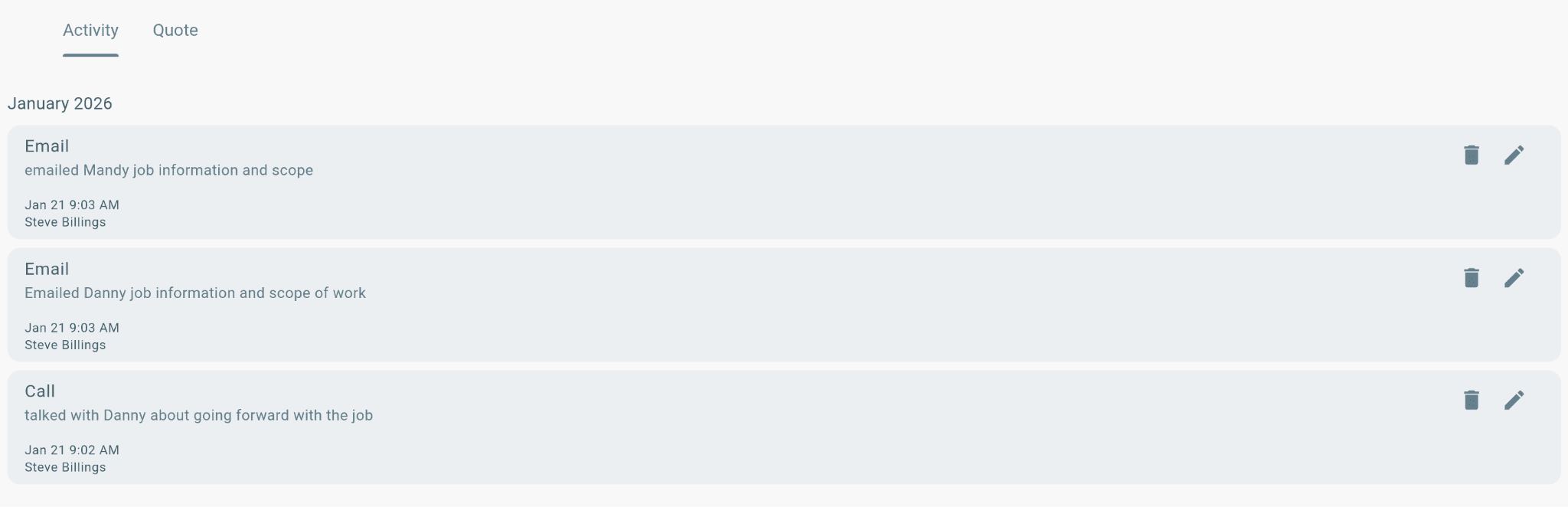
Added activities will appear in the Activity list for easy tracking.
Creating Quotes
Quotes allow you to create pricing estimates for services and parts before work begins.
There are two types of quotes:
→ Internal Quote
→ Customer Quote
Create a Quote
1. Open the Deal.
2. Select Create Quote.
3. Choose:
→ Expiration Date
→ Quote Status
4. Add the required services, parts, quantities, and notes.
Internal Quote
Internal Quotes are for office staff only.
They show:
→ Internal cost of each line item.
→ Total cost of the quote to your company.
The customer will not see this quote.
Customer Quote
Customer Quotes are visible to:
→ Office staff.
→ The customer.
They show:
→ Customer pricing for each line item.
→ Total customer quote amount.
Add Items to a Quote
To add services and parts:
1. Add Service(s) to the quote.
2. Under the Service, select the + Action button to add Parts.
3. Enter:
→ Quantities.
→ Notes (if needed).
4. Review the quote and make updates before sending.
Copy Quote to Work Order
When the quote is ready:
→ Open the quote.
→ Select Copy to Work Order.
This will create a new work order using the Customer Quote details.
Note: Only Customer Quotes can be copied to a work order.
Profitability Report
To view profitability:
→ Open the dropdown arrow below the Quotes section.
For an accurate profitability report:
✓ Internal Quote must be completed.
✓ Customer Quote must be completed.
The report compares internal costs and customer pricing to show quote profitability.