Office
Exporting Work Order Data
How to export work order data to a pdf
Overview
Export any work order as a PDF to download or share a complete record of its details.
Export a Work Order
- Open the work order.
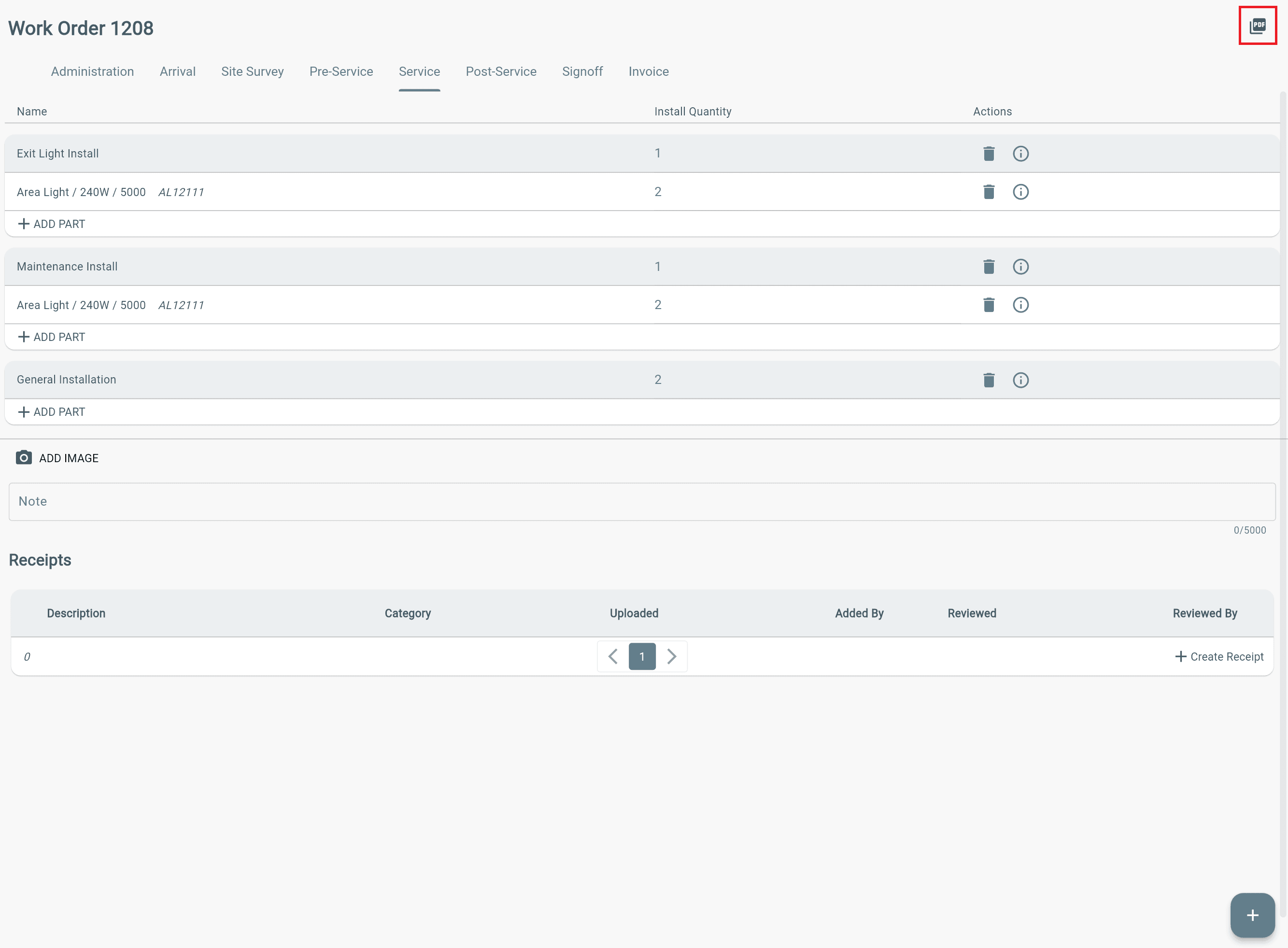
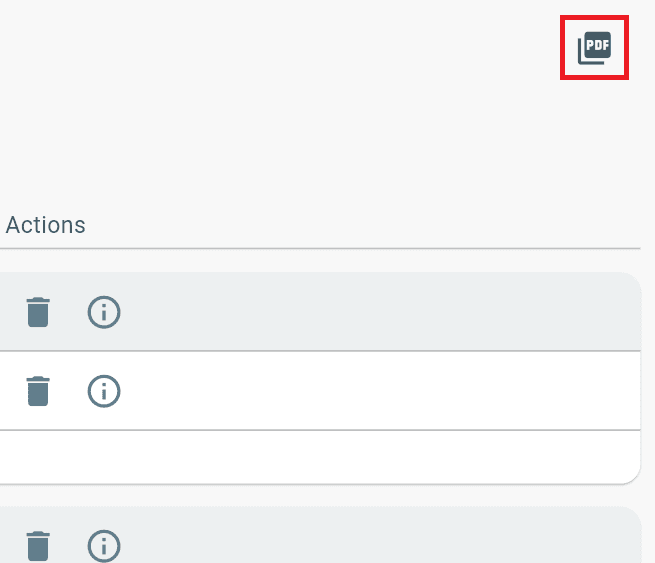
- Click the Generate PDF icon in the top-right corner.
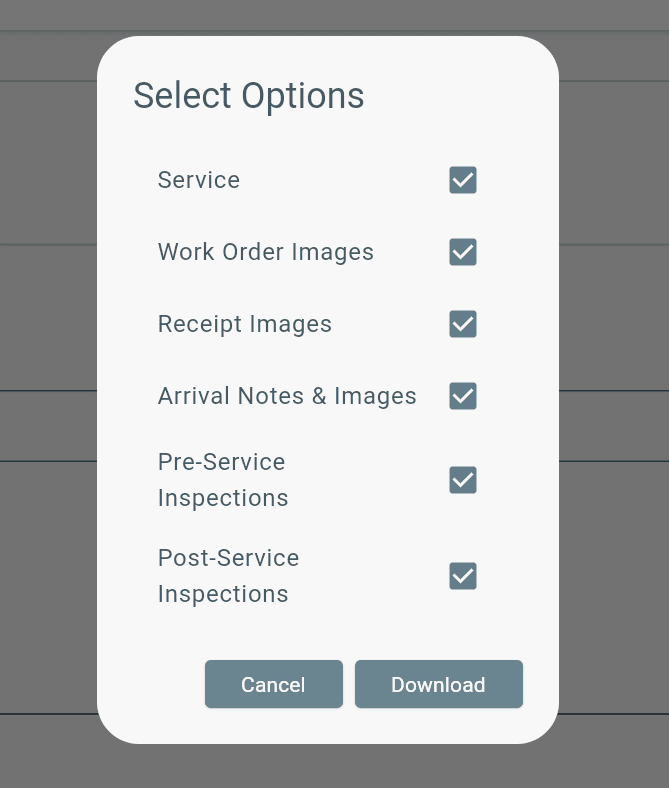
- Select Options.
- Click Download.
Additional Info
The work order download is only available as a pdf document.