Office
Timesheet Management
Adding, editing, and exporting tracked shift and work times.
Overview
Time logging has two components; shift time indicates time on the clock for the day, while work time is specific time logged for each work order. The graphic below illustrates this: (Time types shown below - Work, Travel, Lunch - are work times)
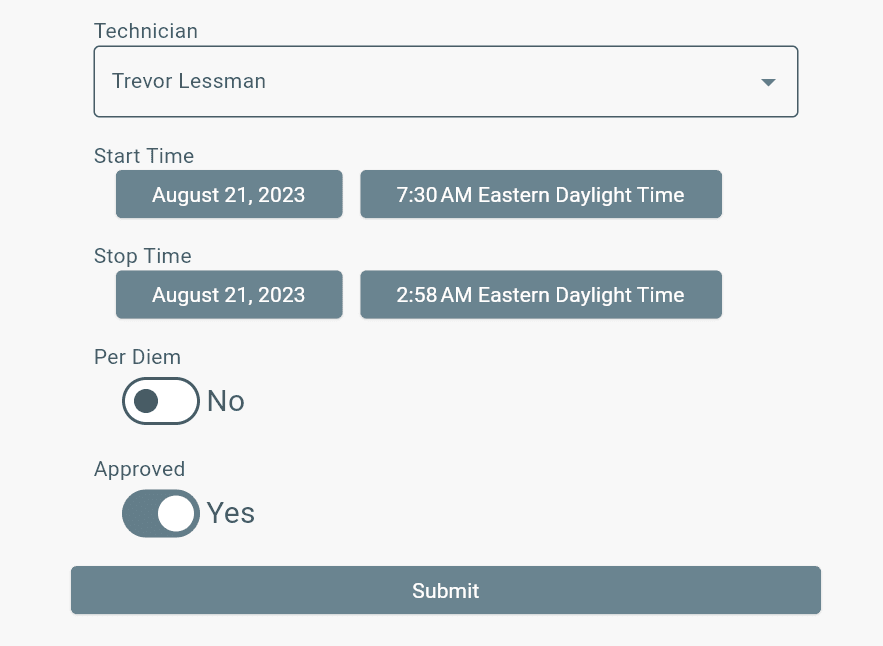
Adding Shift Time for Technicians
- Open Timesheets from the Menu.
- Select Add Shift Entry in the bottom-right corner.
- Complete all fields.
- Select Submit.
Editing Shift Times
- Select the Start Date and End Date to find the shift time.
- Find the shift entry you need.
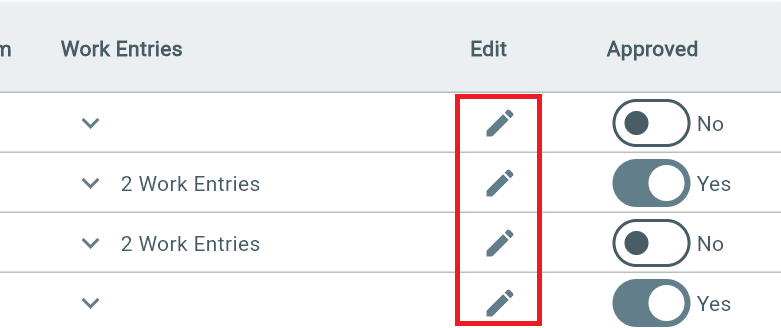
- Select the Pencil Edit icon in the Edit column.
- Make your changes — they will save automatically.
Adding Work Time for Technicians
- Find the correct Shift Time entry.
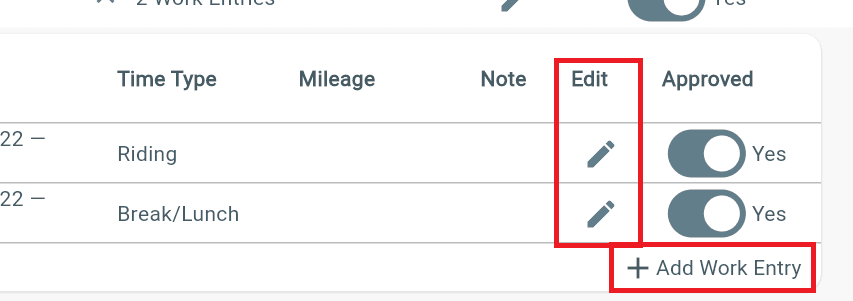
- Open the Work Entries column using the down arrow.
- Select Add Work Entry.
- Complete all fields.
- Select Submit.
Editing Work Times
- Find the correct Work Time entry.
- Select the Edit icon in the Edit column.
- Make your changes.
Exporting Timesheet Time
- Open Timesheets from the Menu.
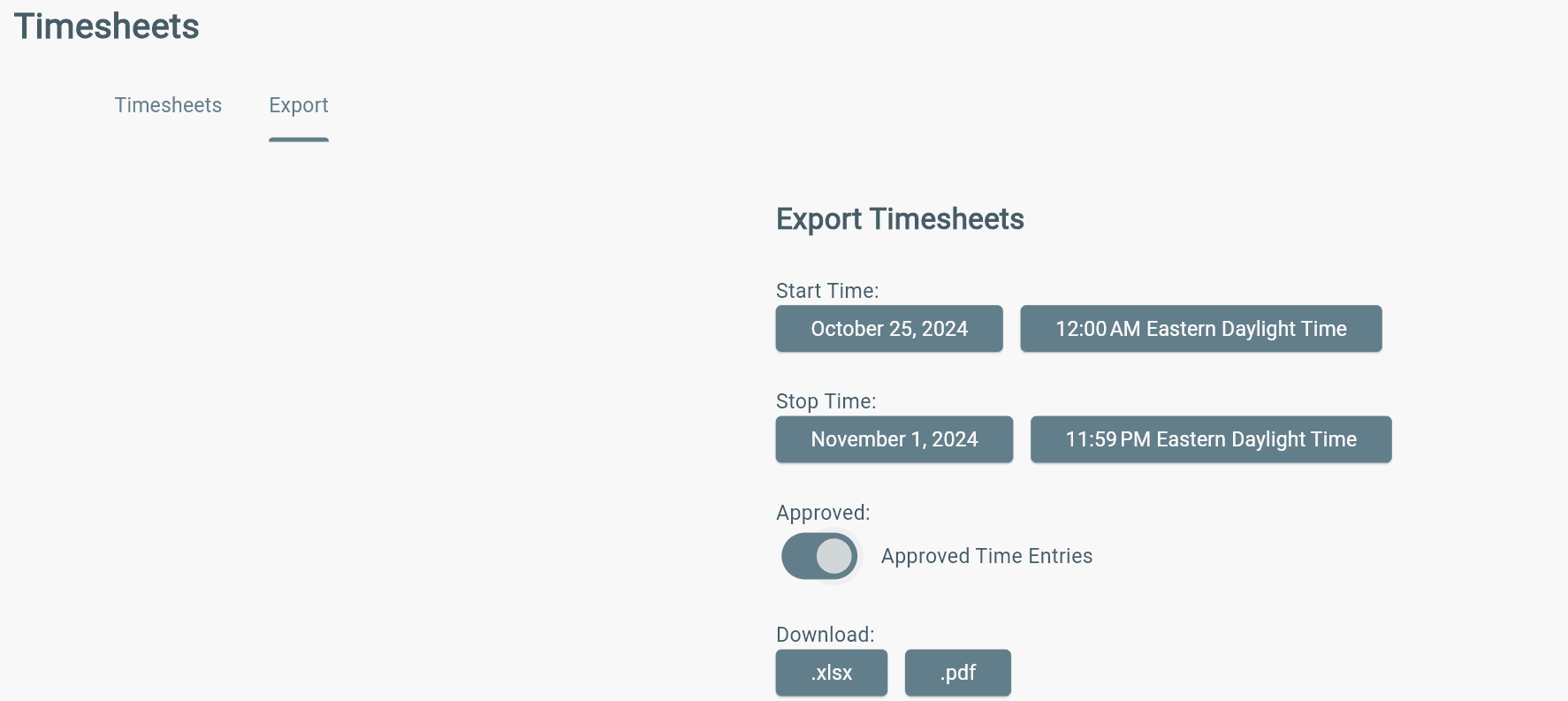
- Select the Export tab.
- Choose the Date Range.
- Select whether to include Approved Time Entries.
- Download the file as .xlsx or PDF.
Bulk Timesheet Entries
- Find Timesheets.
- Click blue action button (bottom right corner)
- Fill out table starting with technician selection, then date, etc.
- Hit Submit.
Additional Info
- The Per Diem field on shift times cannot currently be edited.
- Only users with Office permissions (Office Admin and Office Staff) can add or edit shift and work time entries.
- Office users can create shift and work times that overlap, allowing work time to be entered outside of shift time.
- Work time will only appear under its related shift time in Timesheets if the work time falls within the shift start and stop times.
Example:
A shift from 6:00 AM–1:00 PM with work time from 5:55 AM–1:03 PM will not be grouped under that shift because the work time falls outside the shift times.
Tip: Make sure shift and work time entries match correctly to keep them connected in Timesheets.