Office
Audit Log
View past work order history by user and time.
Overview
Lexul audit log allows you to view previous actions on each work order.
- See accurate work order history
- View which technician did what
- See exactly what time changes are made
Viewing Audit Log
Finding Audit Log:
→ Find work order
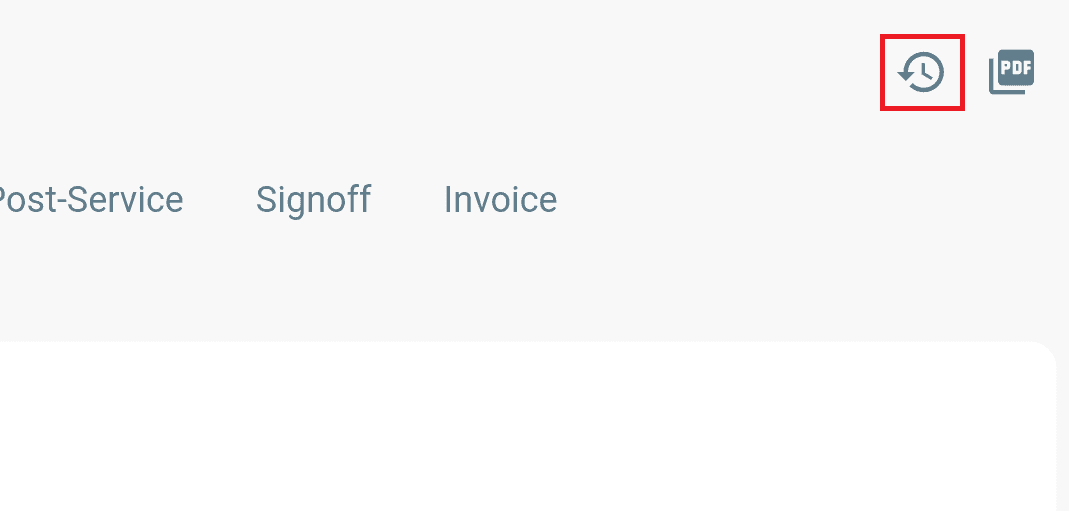
→ Click audit log (clock with arrow) at the top right corner of WO
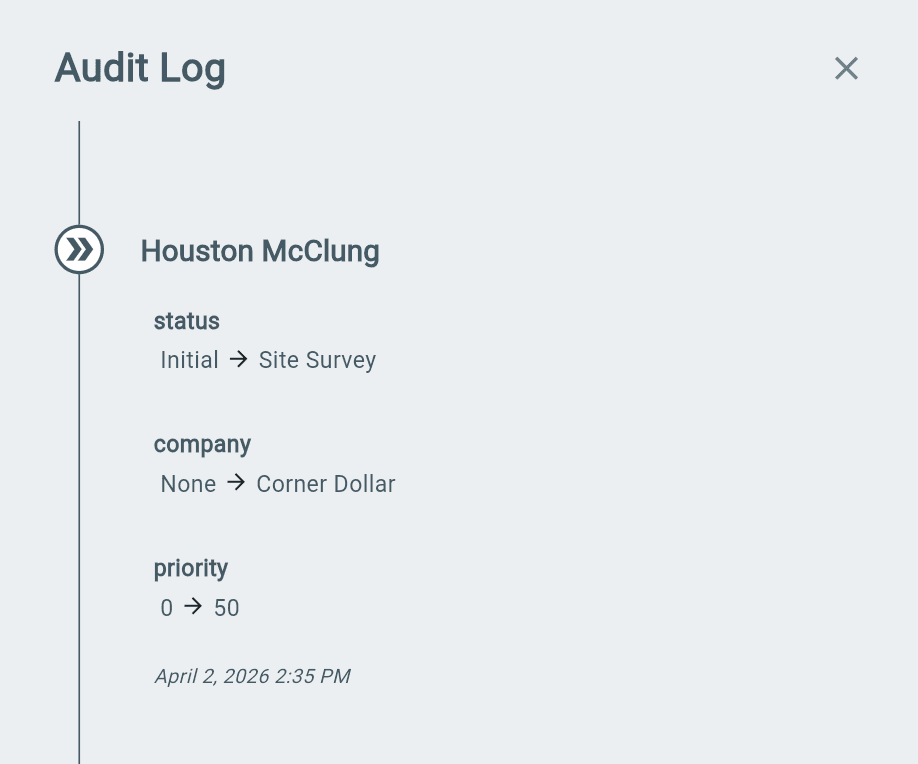
→ View work order history actions
Audit Log Actions
All work order actions will show in the Audit log.
Along with:
- Attached technician to action
- Time of action