How to Track Time as a 1099 Contractor
Looking to track time and begin working inside of Lexul Field Service as a Contractor?
Looking to track time and begin working inside of Lexul Field Service?
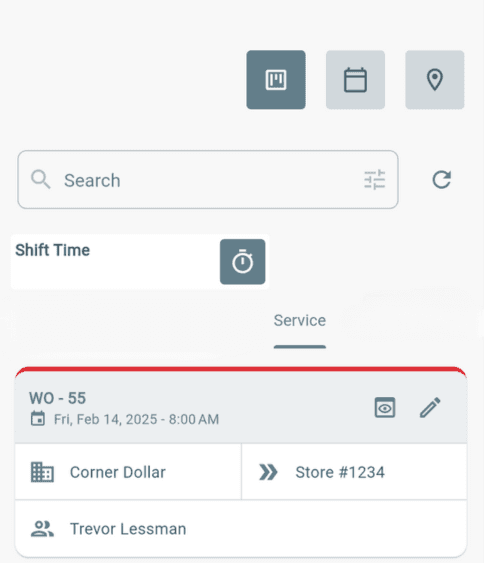
Locate a Work Order
After signing in, you will be taken to the Dashboard.
To find a work order:
→ Search by work order number or details.
→ Scroll through the dashboard list.
→ Filter the work orders to quickly find what you need.
How to Track Time
After locating the work order:
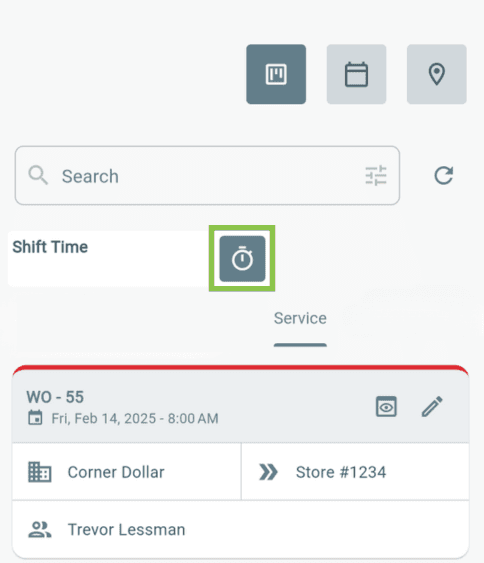
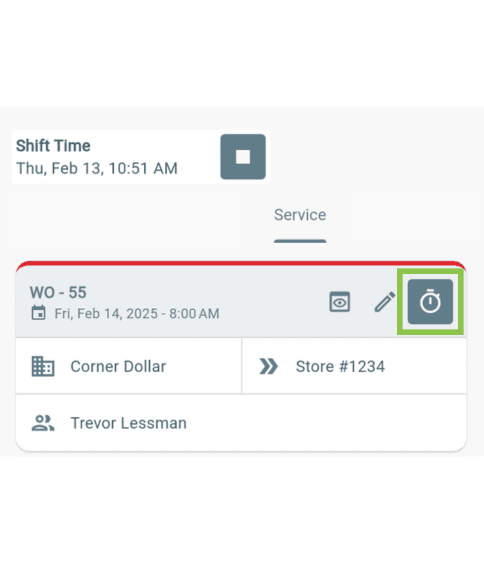
1. Select the Shift Time stopwatch icon and enter the required details.
2. Select the Work Time stopwatch icon on the work order and enter the required details.
3. Open the work order and begin completing the job.
Completing Work
After the job is finished and all required information has been added:
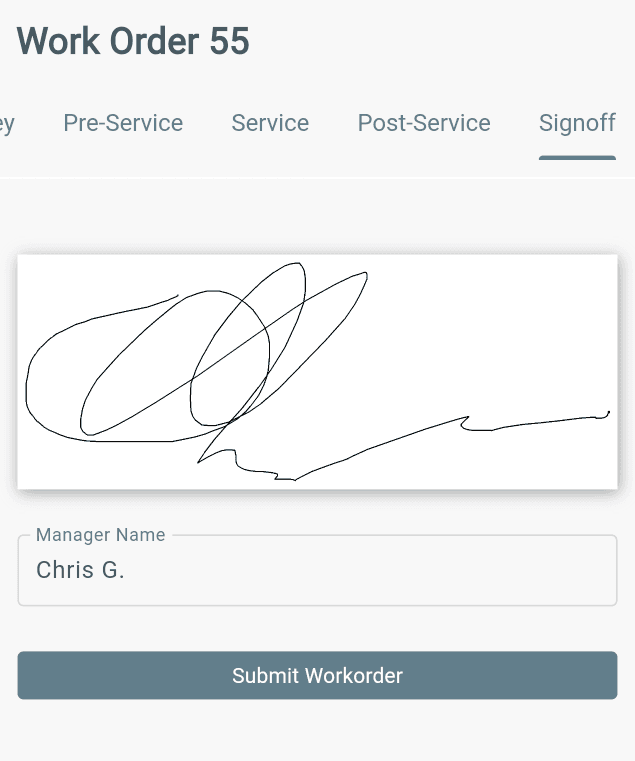
1. Get the customer or manager sign-off on the completed work.
2. Select Submit Work Order.
3. Return to the Dashboard.
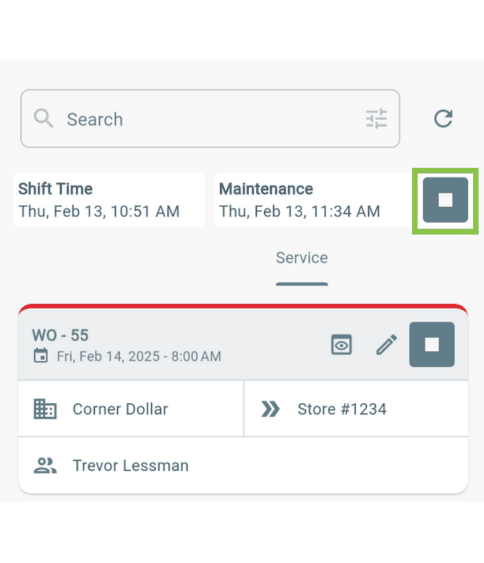
4. End the:
→ Work Time
→ Shift Time
The work order is now completed and ready for the next step in the workflow.