Integrations
Adding Employees & 1099 Contractors in QuickBooks Online
Looking to add employees and 1099 contractors to QuickBooks and use them inside of Lexul Field Service? See this article.
You can add employees in QuickBooks even if you do not use QuickBooks Online Payroll for payroll processing.
Steps:
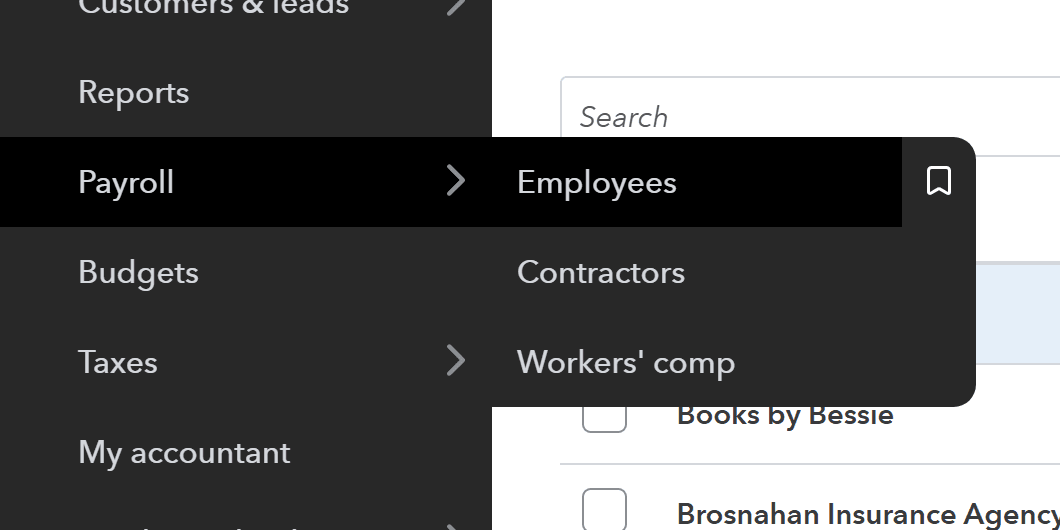
- Open Payroll or Time from the sidebar menu.
- Select Employees.
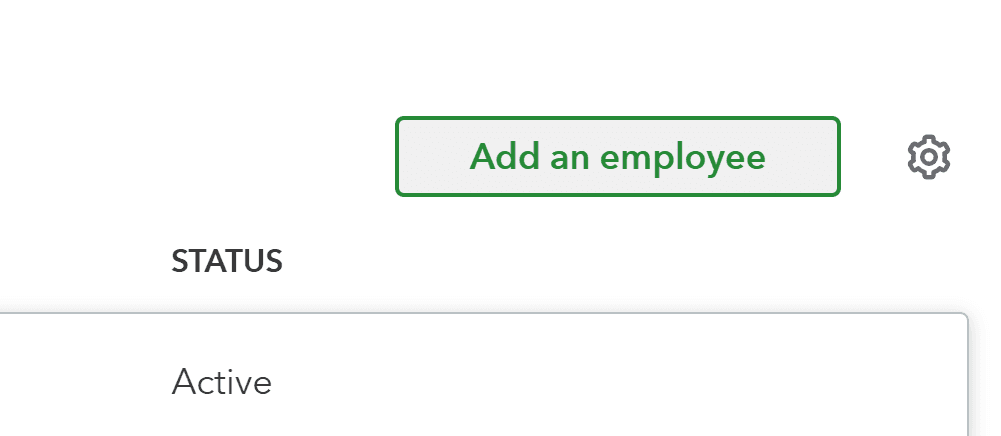
- Click Add an Employee.
- Enter the employee’s name and email.
- Add any additional details as needed.
- Save the employee.
Employee Sync
- Added employees are automatically synced as Users in Lexul Field Service.
Adding 1099 Contractors in QuickBooks Online
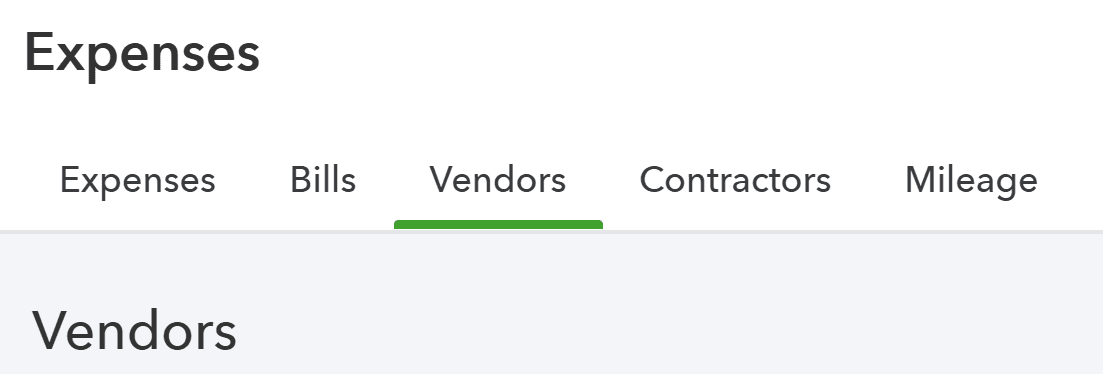
- Open Expenses from the sidebar menu.
- Select Vendors.
- Click New Vendor.
- Enter the contractor’s details.
- Save the vendor.


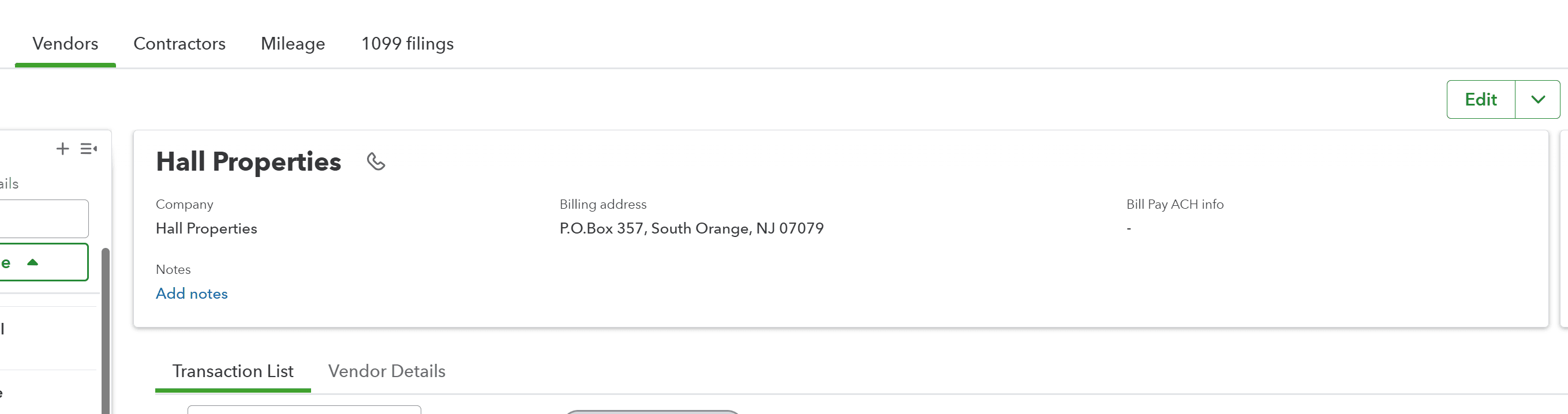
Linking 1099 Contractors
- Contractors added in QuickBooks Online are automatically created as Vendors.
- Vendors/Contractors will sync to Lexul Field Service automatically.
- A User must be created in Lexul Field Service to link the contractor.
Steps:
- Add the contractor as a User in Lexul Field Service.
- Select the matching Vendor from the Vendor dropdown.
- Save to link the contractor.
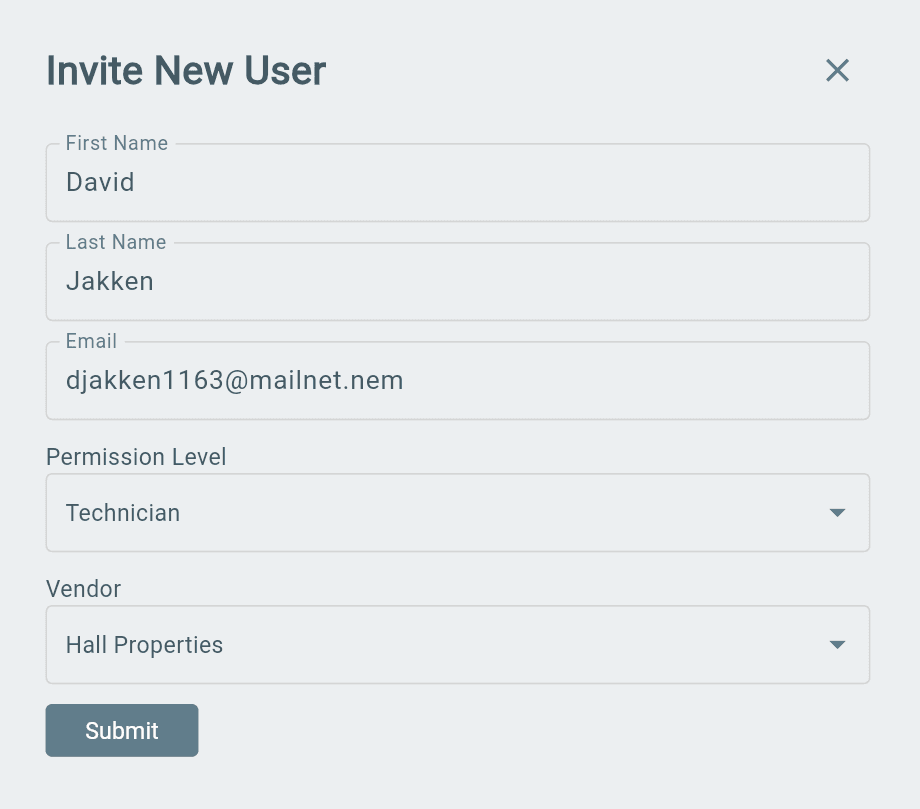
Assigning Contractor to Work Order & Contractor Time Tracking
Contractors linked to a Vendor can be assigned to work orders to complete work and track time.
Steps
- Create a new work order or open an existing work order.
- Make sure the work order is in Service status.
- Go to the Administration tab.
- Assign the correct contractor.
- Add a schedule time.
Note
- The work order will appear on the contractor’s dashboard.
- The contractor can complete the work and track time.
Sync Contractor Time to QuickBooks Online
After the contractor completes the work:
- Open Timesheets from the menu.
- Find the contractor’s tracked time.
- Review and approve the time.
- Select Pay Vendors from the Timesheets page.
- Choose the cutoff date and Vendor.
- Select Sync Bill.
Result:
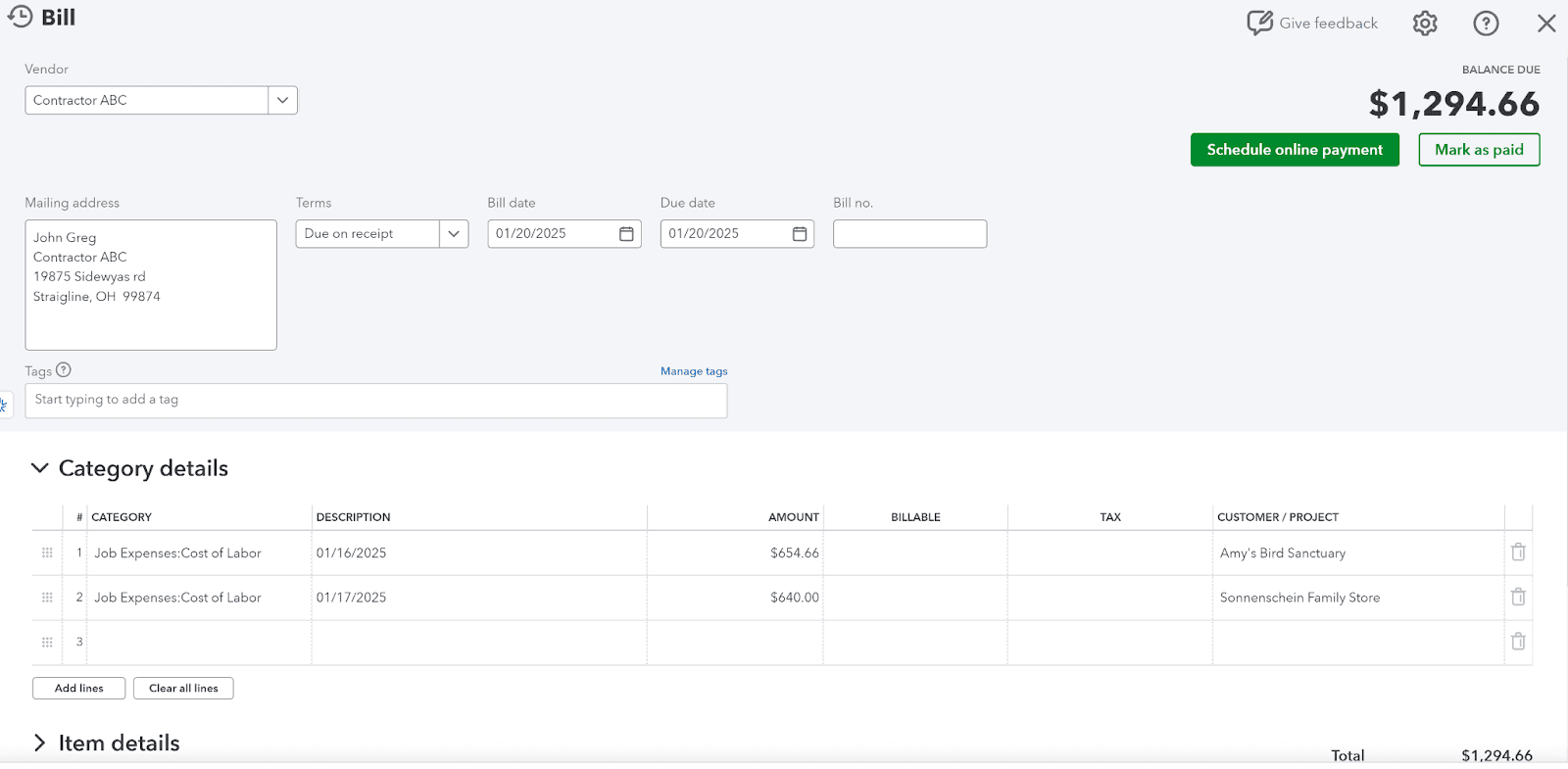
- The bill appears in QuickBooks Online under Expenses > Bills.
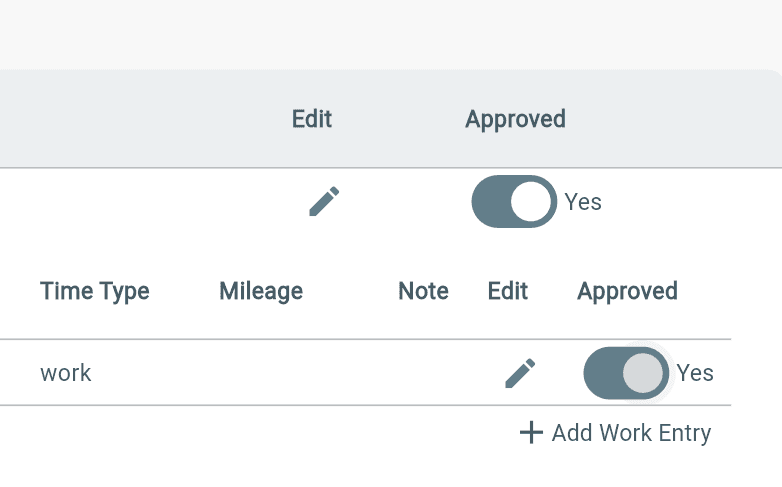
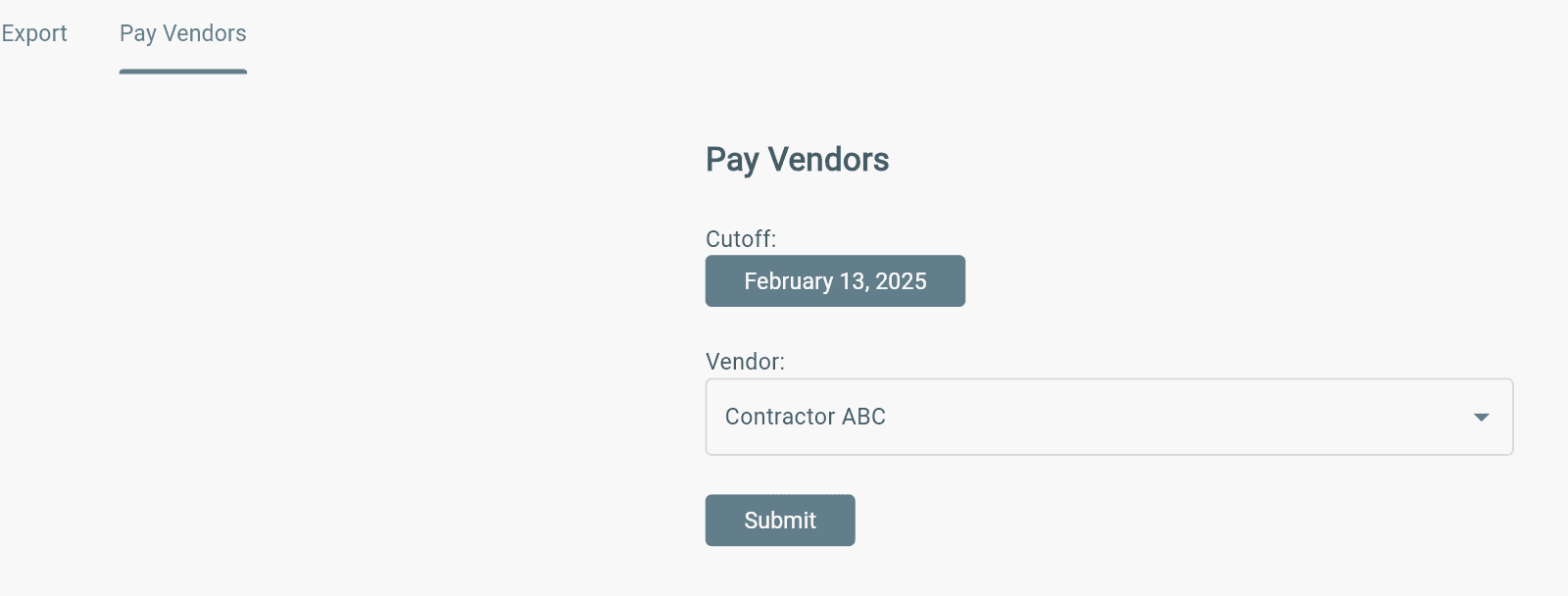
(Note: Contractor’s hourly rates will be totaled and shown as line items [Job Expenses: Cost of Labor] on each synced bill.)