Settings
Work Order Types
Overview
Work Order Types categorize jobs to improve organization and tracking.
Use Work Order Types to:
- Organize work orders.
- Filter work orders.
- Improve calendar visibility.
- Support billing organization.
Calendar Color by Work Order Type
To display scheduled jobs by Work Order Type:
- Go to Preferences.
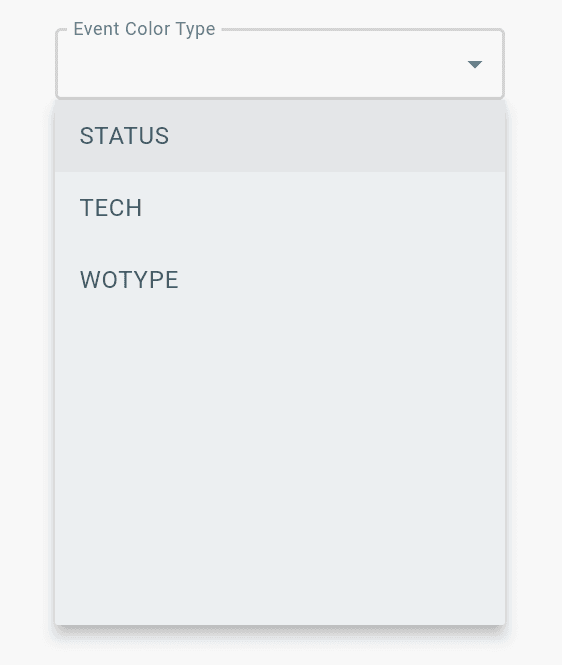
- Set Event Color Type to WOTYPE.
Scheduled work orders will display in the calendar based on their assigned Work Order Type.
Adding Work Order Types
Find Configuration > General Config > Work Order Types >
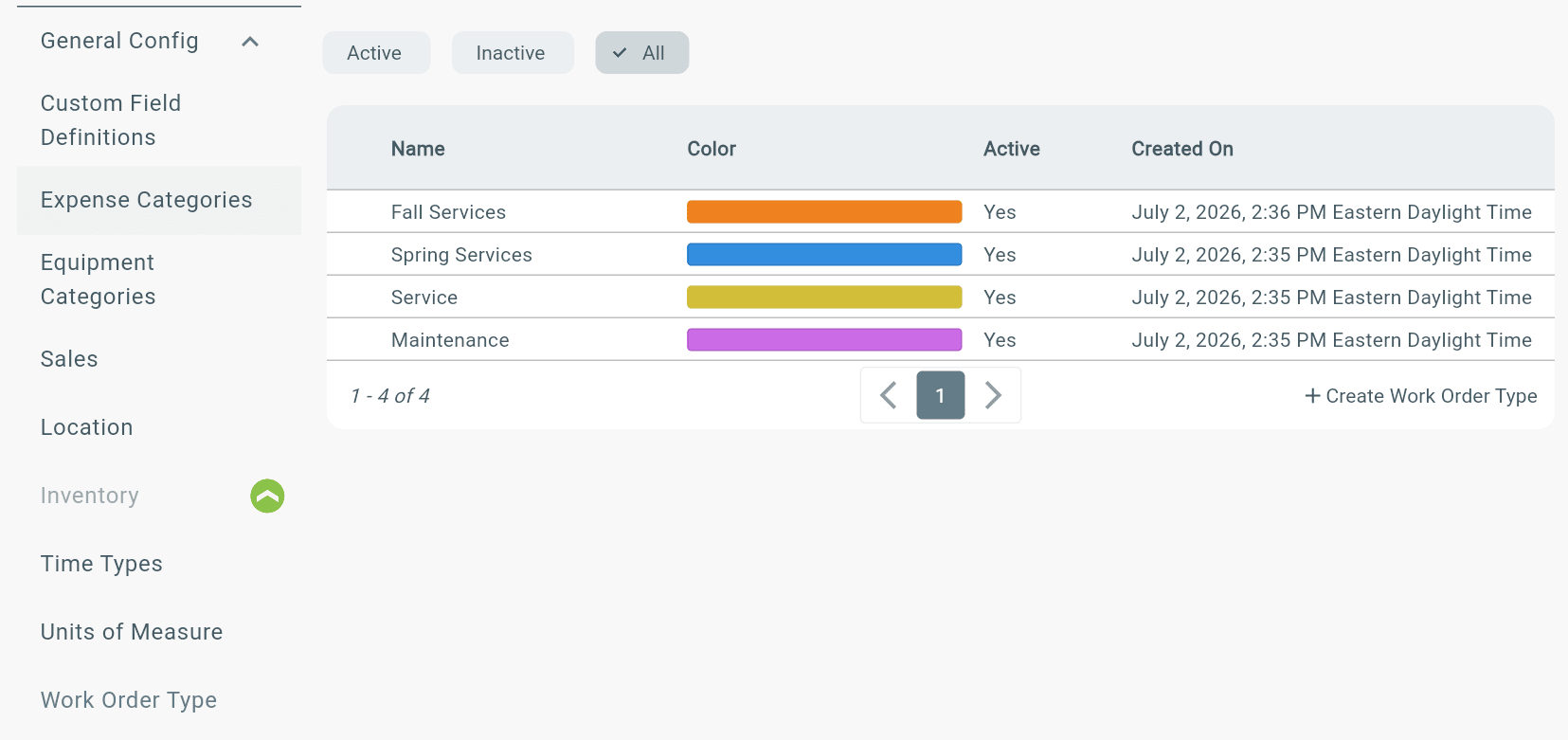
Where Work Order Types are shown:
- New Work Order page
- Dashboard Table view
- Calendar Schedule view
- Work Order Dashboard
Work Order Event Color Type
To set the calendar event colors to WOTYPE, find profile icon (bottom left corner) > Profile > Preferences tab > Under Event Color Type select WOTYPE