Settings
Equipment Categories
How to add, edit, and use equipment categories in Lexul.
Overview
Equipment Categories organize equipment into groups based on their function or industry.
Example:
- Equipment: Bulldozer
- Category: Earthmoving Equipment
Using categories makes equipment easier to organize and manage.
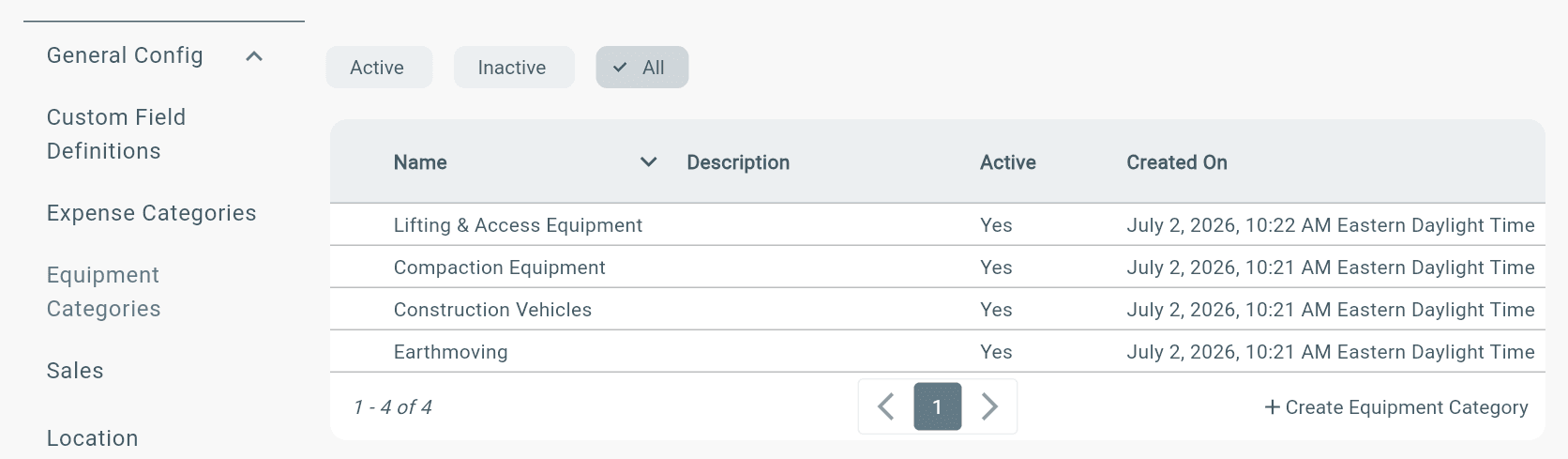
Find Equipment Categories
Go to:
Configuration → General Config → Equipment Categories
Where Equipment Categories are Used
Assign category when creating Equipment:
Go to:
Menu → Equipment → Add Equipment→ Select Category → Submit