Custom Fields
How to add, change, and use custom fields in Lexul.
Overview
Custom Fields store specific information for:
- Work orders
- Customers
- Assets
- Contracts
Field types include:
- Text
- Dropdown
- Number
- Decimal
Find Custom Fields
Go to:
Configuration → General Config → Custom Fields
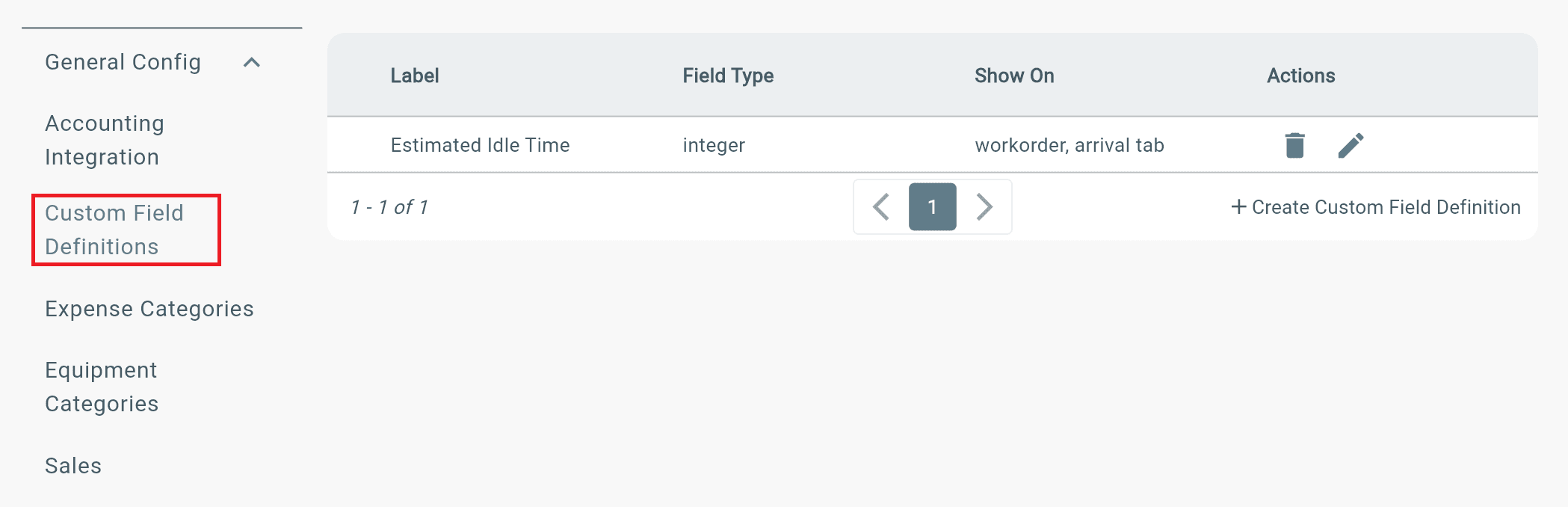
Where Custom Fields Show
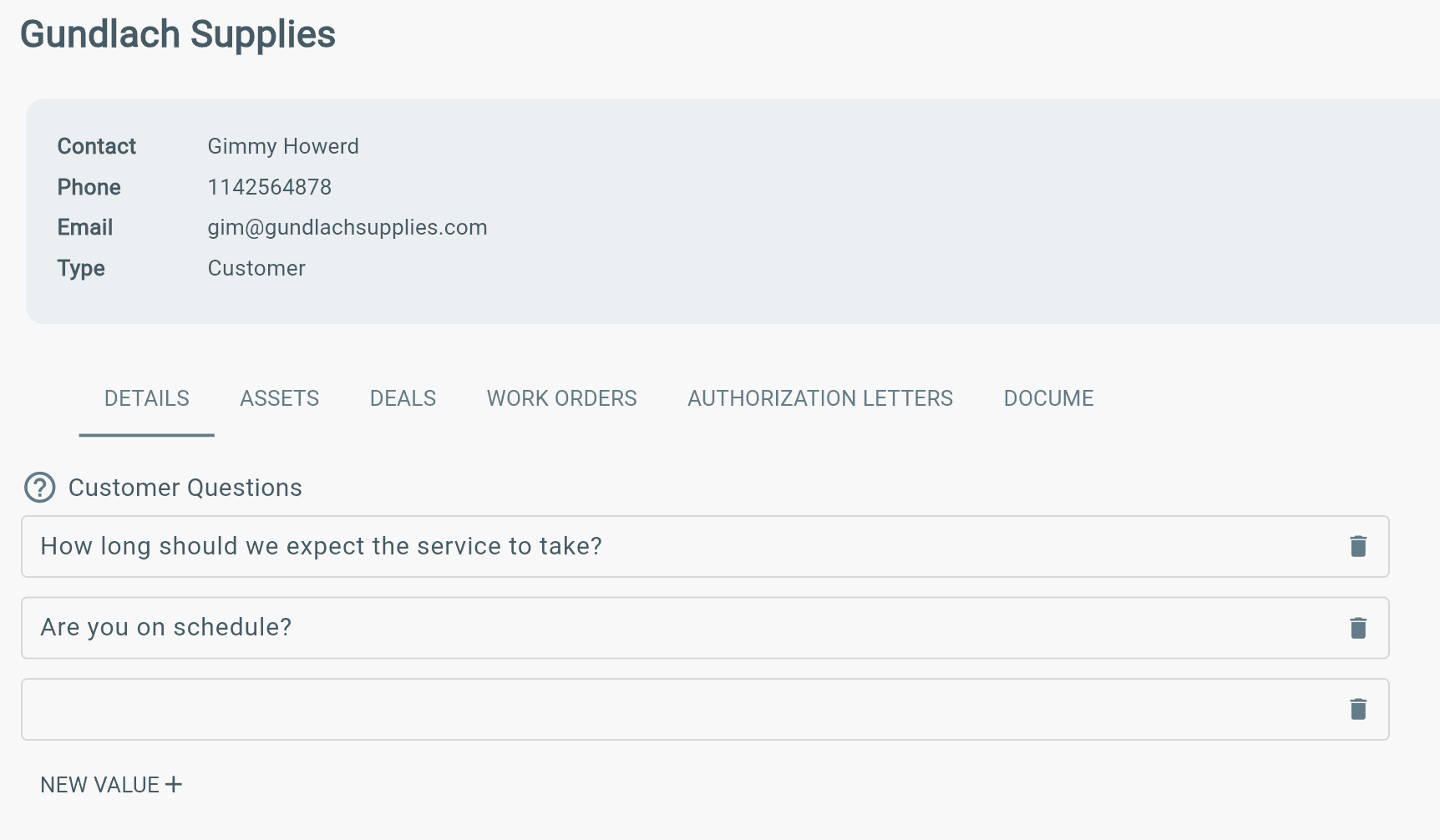
Customer:
Customers → Select Customer → Details tab
- View customer information and details.
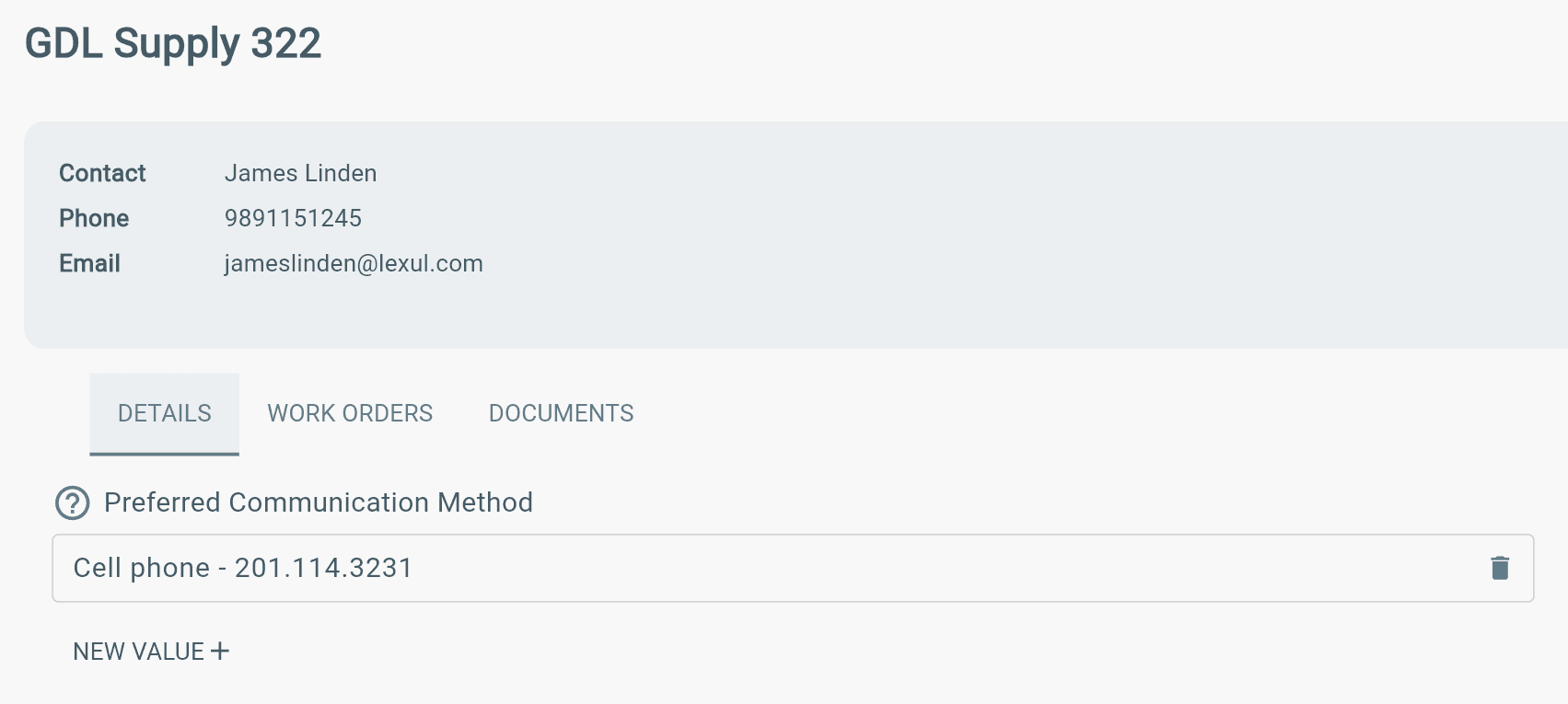
Asset:
Customers → Select Customer → Details tab
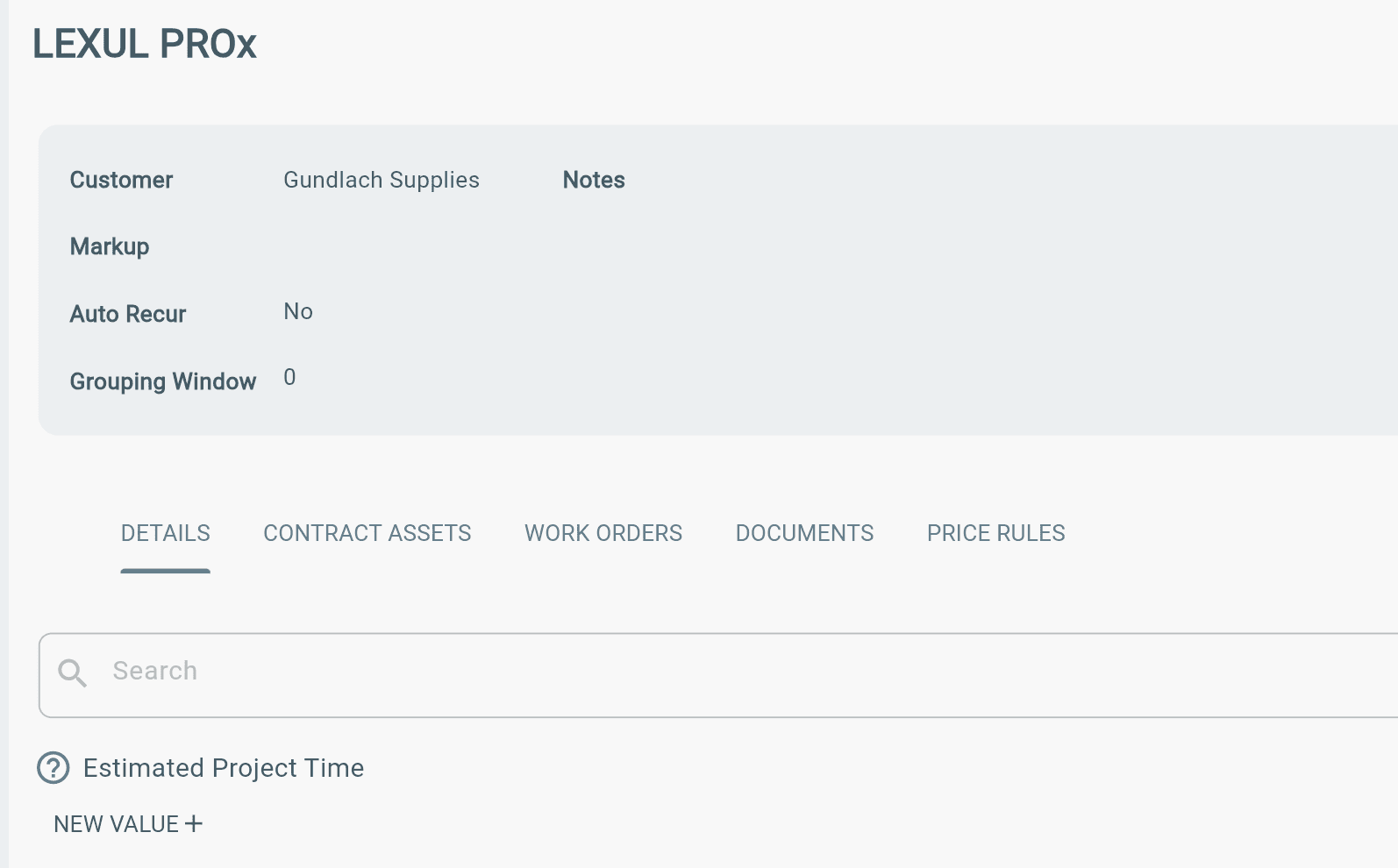
Contract:
Contracts → Find Contract → Details tab
Work Order:
Whatever tab/section of the work order you choose.
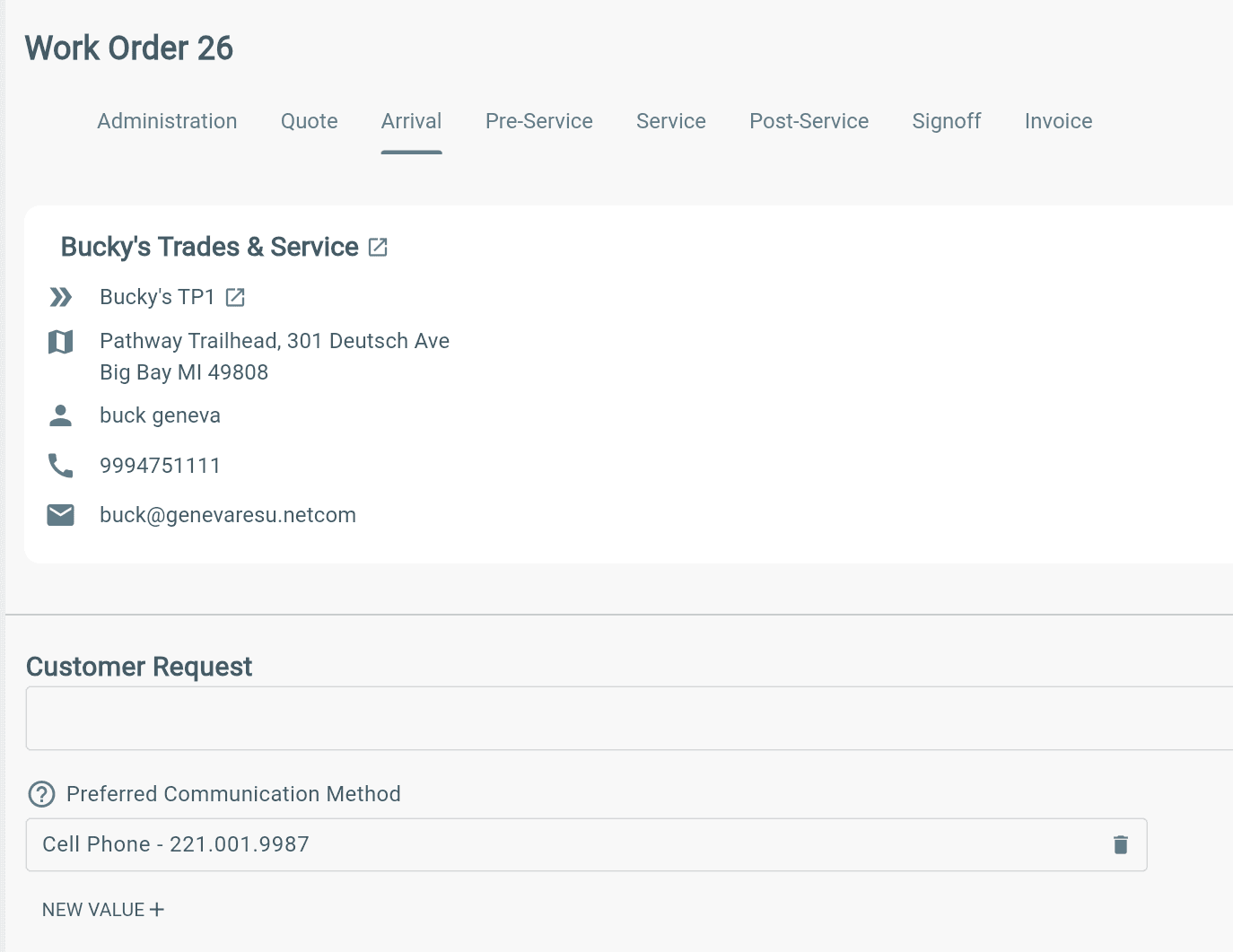
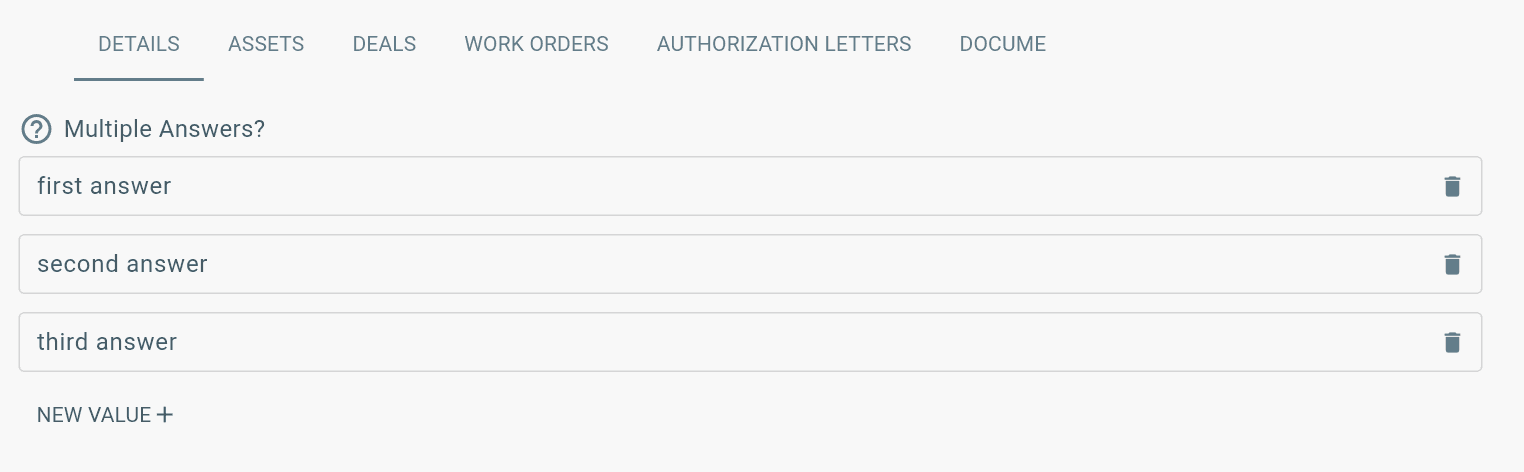
Multiple Answers
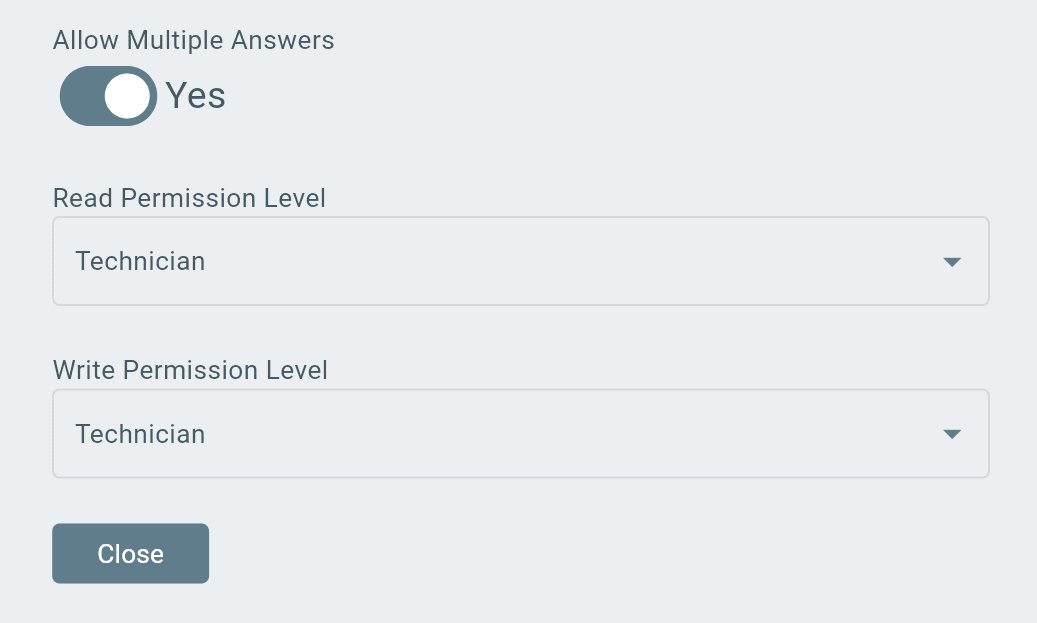
Toggling on (Yes) Allow Multiple Answers enables multiple entries for the custom field.
If not toggled on → a single entry is allowed.
Custom Field Permissions
Custom fields have read and write permissions to allow certain users to view and add to custom fields.
Read Permissions:
- Allows the user to view the custom field.
Write Permissions:
- Allows the user to edit/add to the custom field.
Note: Find read and write permissions when creating or editing a custom field.
Additional Information
Can't see Custom Fields?
- They may not be enabled on your workspace.
If they are enabled:
- You don't have the right permissions to view.