Rescinding a Work Order Offer
How to rescind new offered work
Overview
Rescinding a work order means canceling or taking back an offer that was sent to a provider.
This can be used when a work order needs to be removed from a provider for any reason. Once rescinded, the work order can be offered again at a later time if needed.
How to Rescind a Work Order
→ Open Service Network from the menu.
→ Select the Accepted or Offered filter.
→ Find the work order.
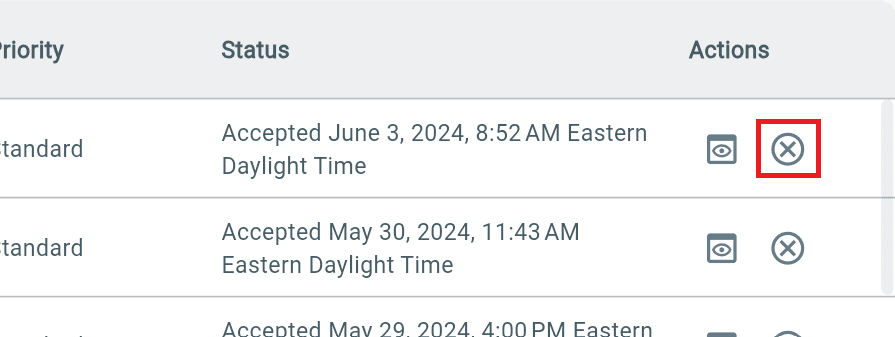
→ Under Actions, select the Cancel (X) button.
The work order will be moved to the Rescinded status in the Offered Out table.
Once a work order is rescinded, it will be removed from the providers dashboard that you offered it to, and they will no longer be able to see or access it.
Additional Information
Note: A work order cannot be rescinded if there is already provider work time recorded for that work order.