Getting Started as a Technician
Get familiar with Lexul Field Service
Overview
Lexul Field Service helps technicians stay organized by providing a clear view of assigned jobs in one place. View your daily schedule, service tasks, and upcoming work without needing extra calls, texts, or emails.
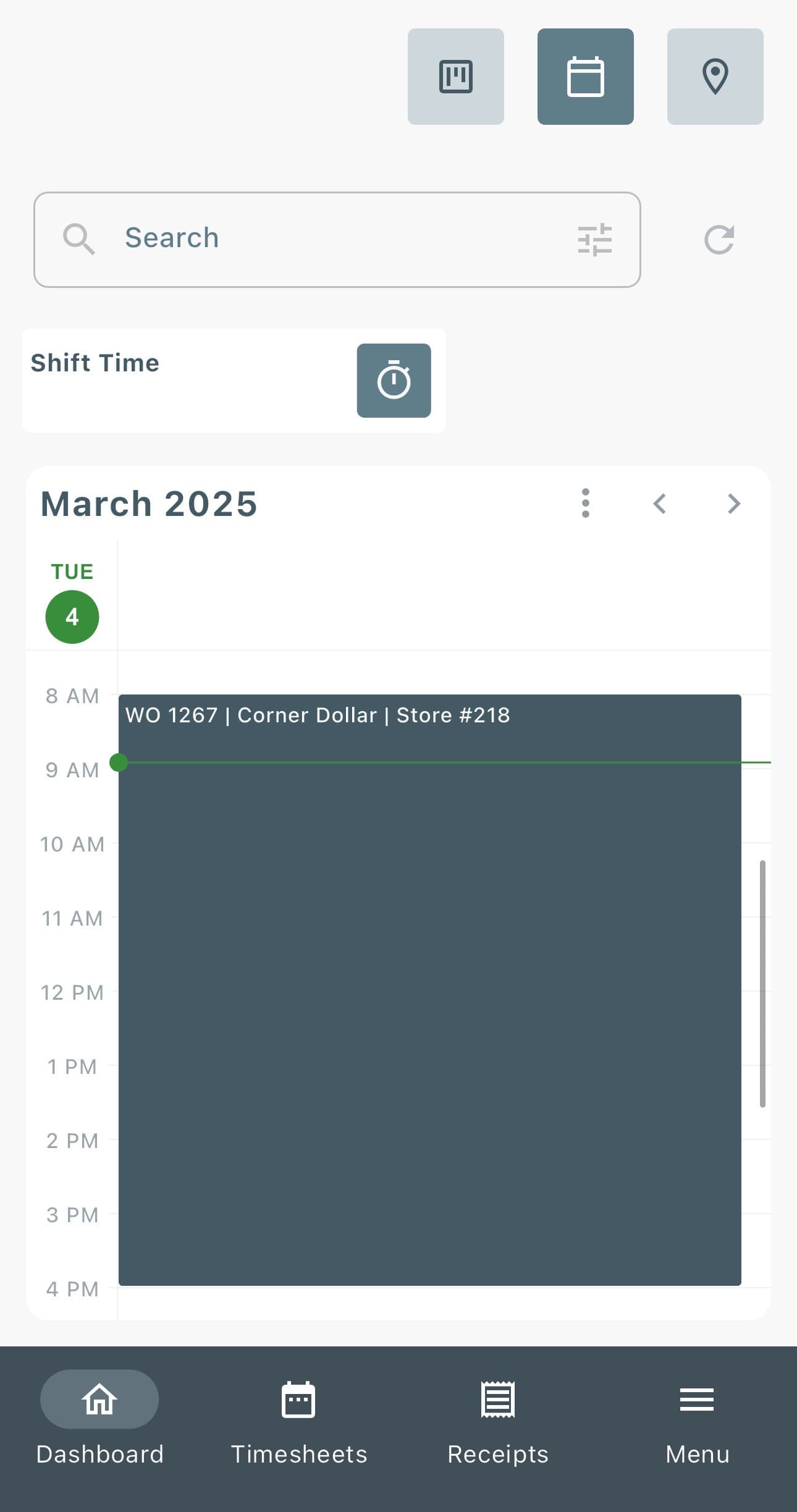
View Your Schedule
From the dashboard:
→ Select the Calendar icon in the top-right corner.
→ Choose your preferred view:
- Day
- Week
- Month
→ Scroll or move between dates to view all assigned jobs on the schedule.
How to Begin Tracking Time
To begin a job:
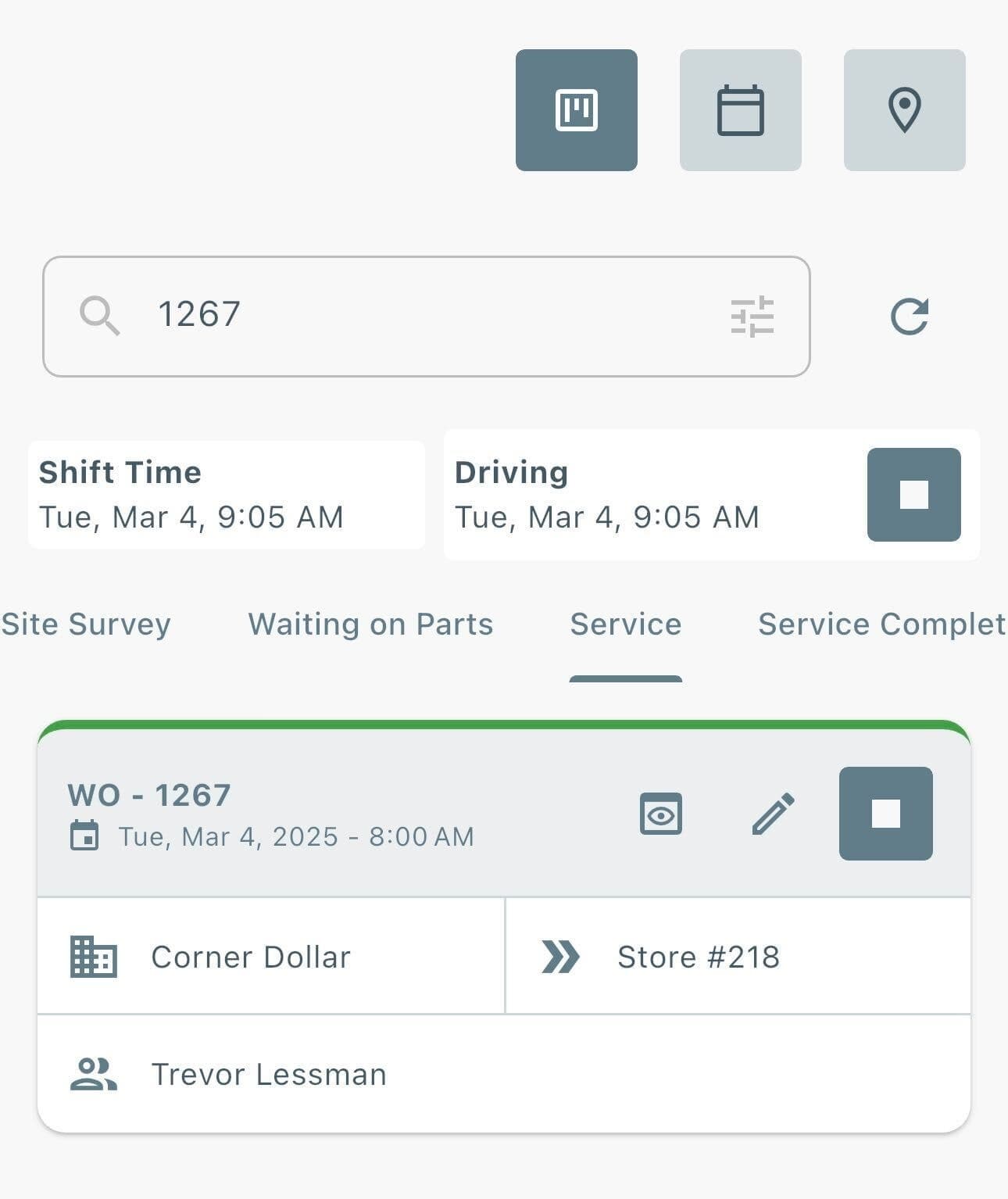
→ Find the work order from the dashboard Kanban view.
→ Use the search bar to find the work order by:
- Work order number
- Work order details
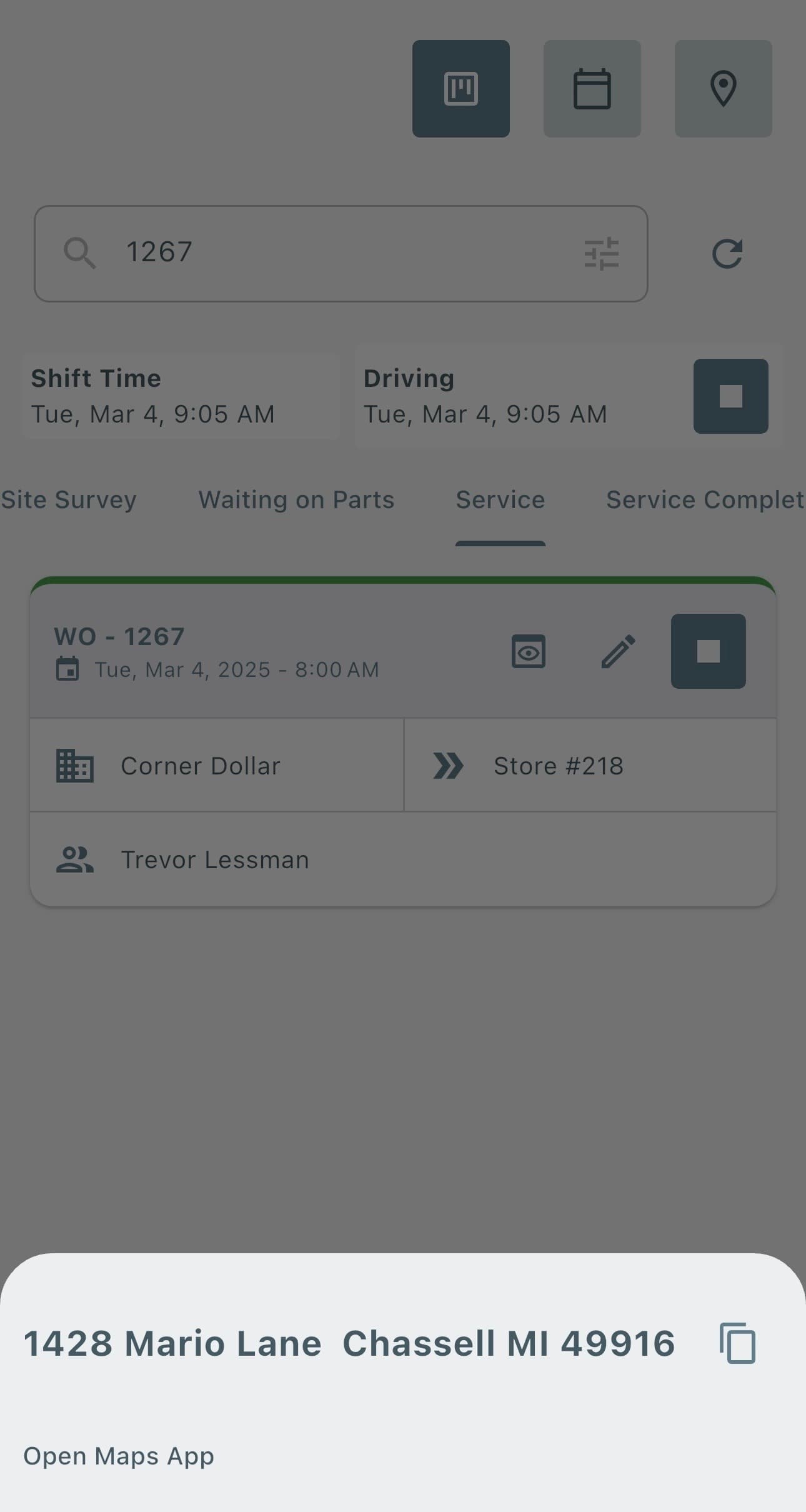
→ Open the work order.
→ Select Start Shift Time.
→ Select Start Work Time.
The work order is now ready to begin.
Viewing Timesheets
To view shift and work times:
→ Select Timesheets from the menu.
→ Choose a Start Date and/or End Date.
→ View all shift and work times within the selected date range.
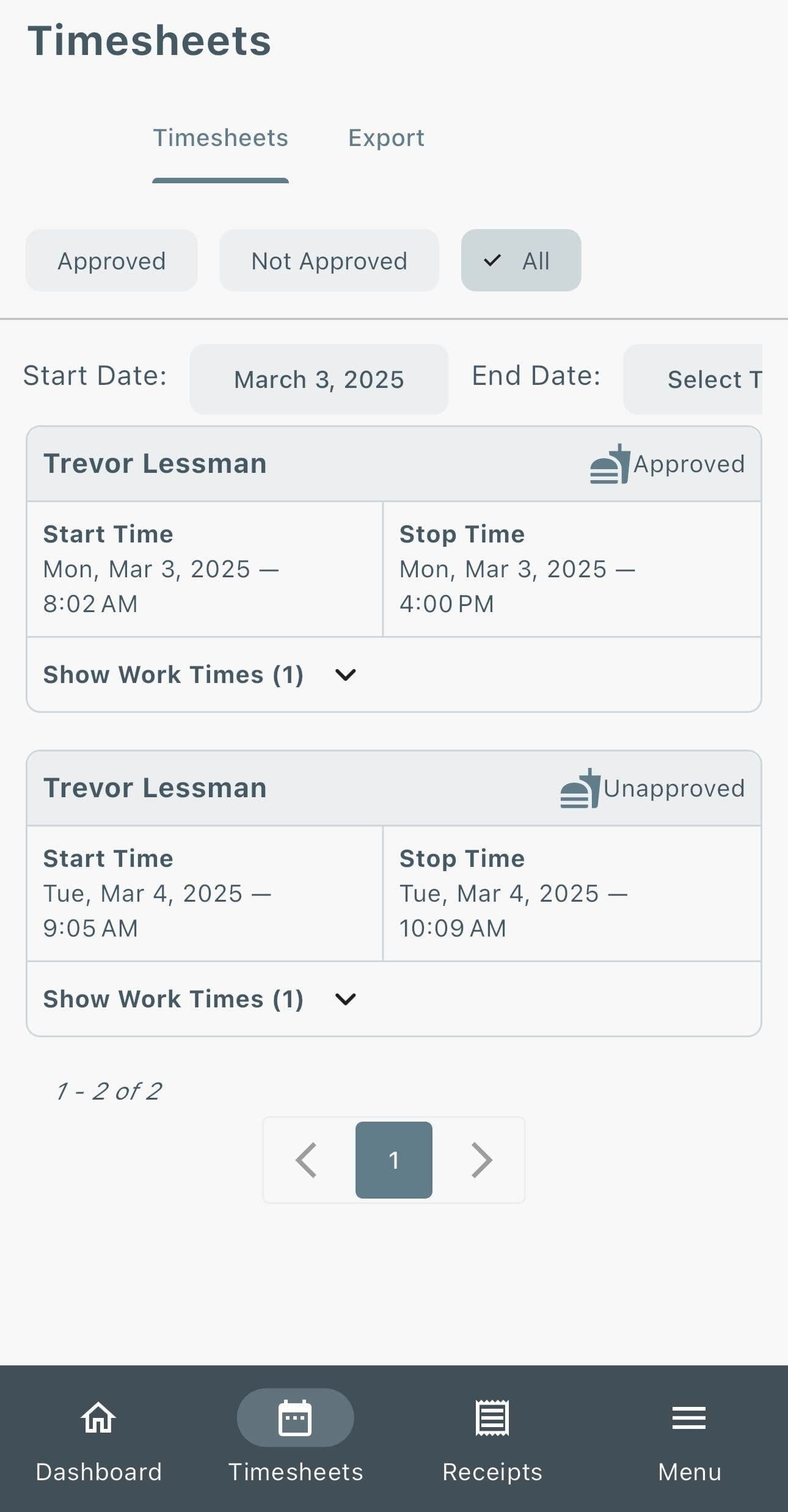
If a technician is a Foreman, they will be able to filter by each technician's time that is apart of their crew in the Timesheets page.
Arrival Tab
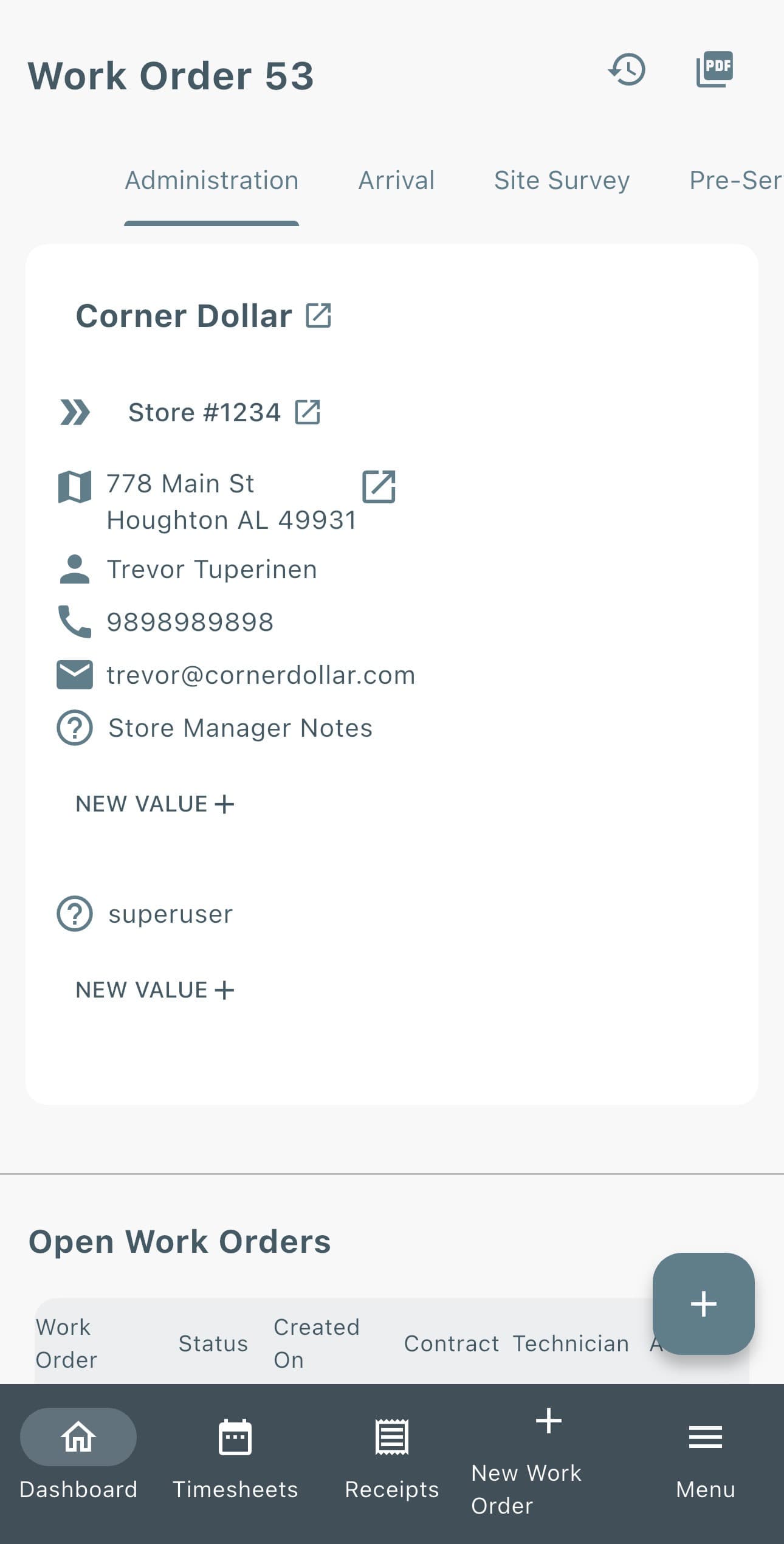
The Arrival stage provides technicians with the information needed before starting the job.
Here you can:
- Review the reason for the work order.
- View office notes and supporting documents.
- Review important job details before beginning work.
Technicians can also:
- Add arrival notes.
- Upload arrival photos based on customer requirements.
Pre-Service
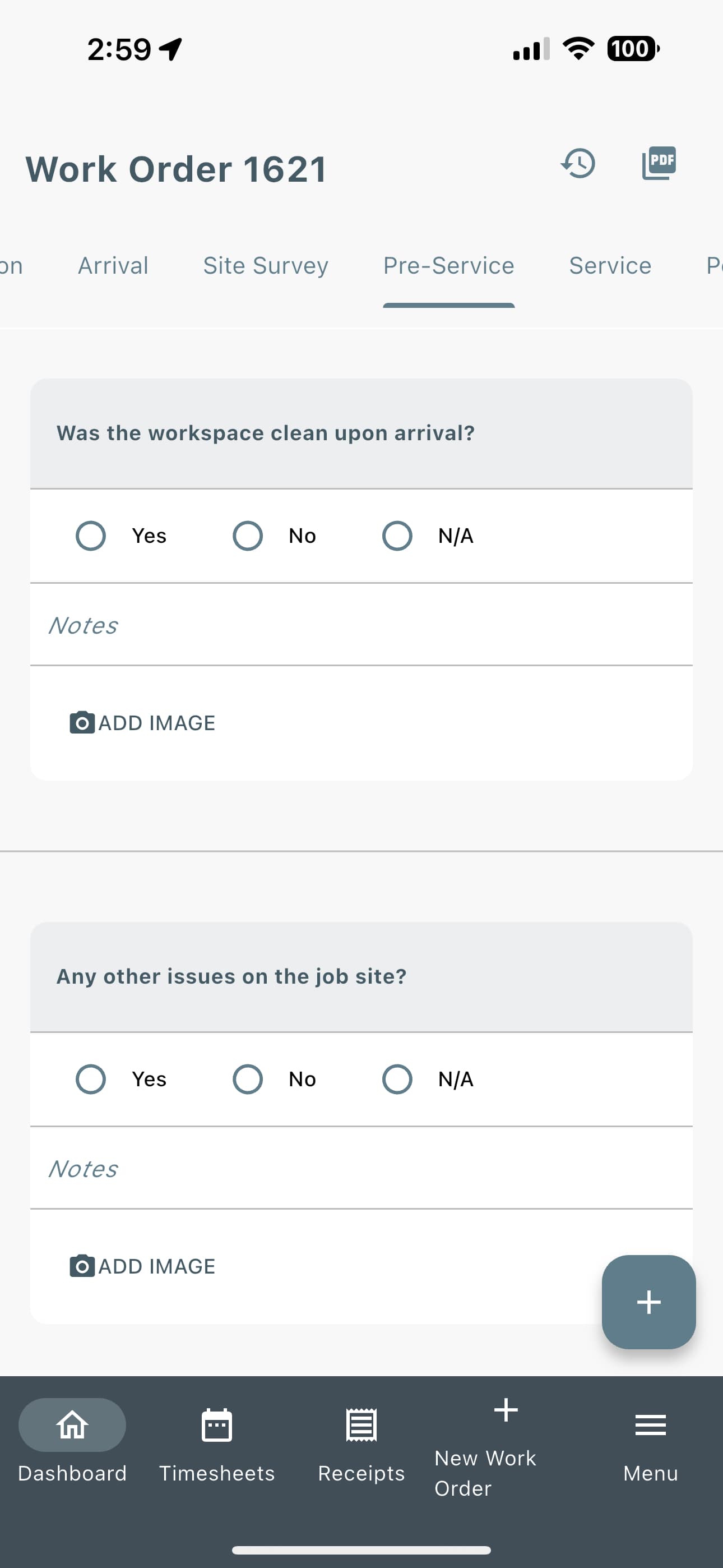
The Pre-Service Inspection helps protect technicians by documenting the condition of the job site before work begins.
Use this section to record any existing issues or damage found upon arrival. For example:
- Note that Breaker #4 was already tripped on arrival.
- Document existing damage or concerns.
- Add photos when needed.
Accurate documentation helps prevent misunderstandings and ensures issues that existed before the service began are properly recorded.
Service
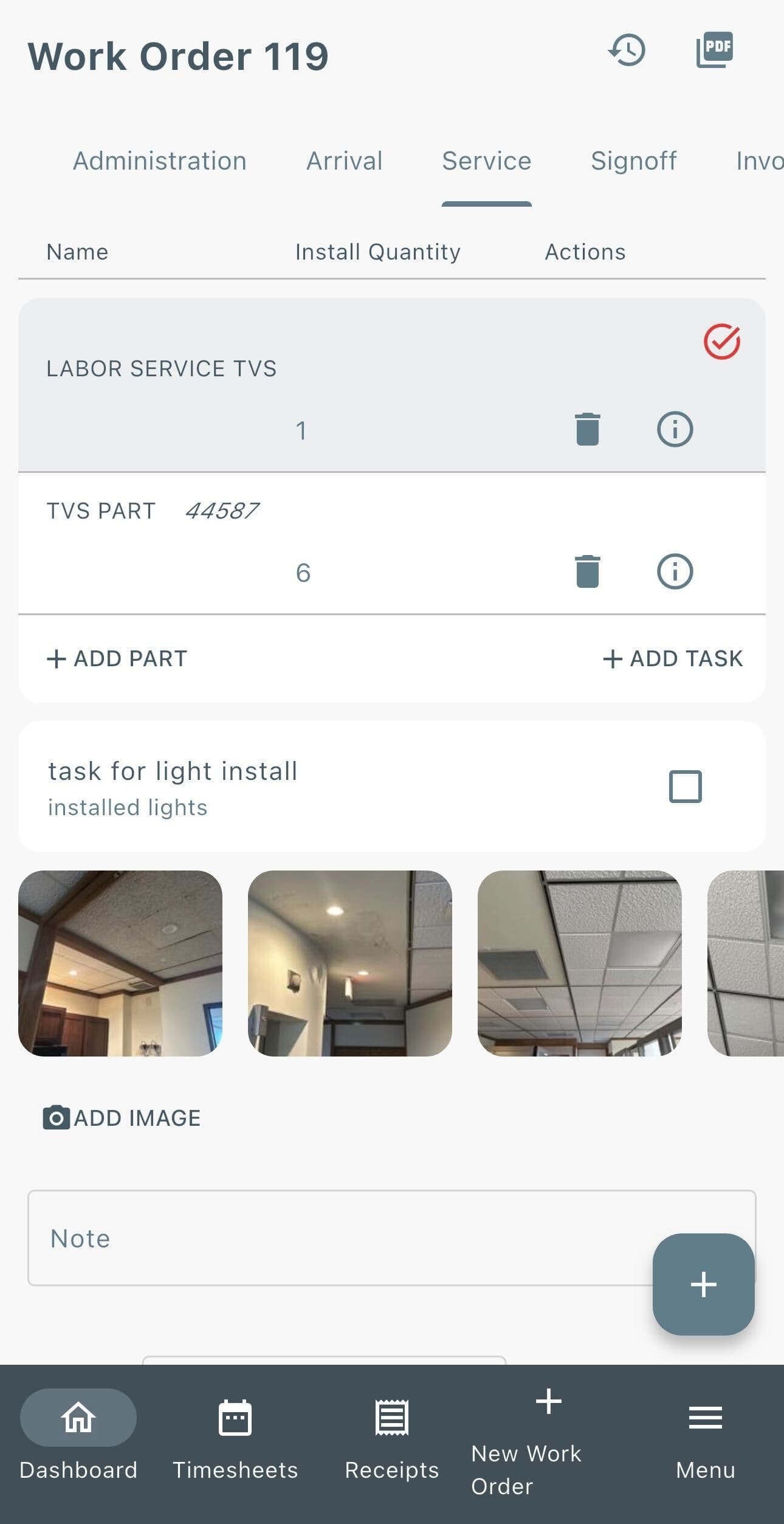
The Service tab is the main area for documenting the work performed on a job.
Here technicians can:
- Add and record completed services.
- Add parts used and associate them with the service performed.
- Document the job from start to finish with photos.
- Add detailed notes for additional information and records.
- View assigned tasks and track completed tasks.
- Upload receipts directly to the work order.
Accurate documentation in the Service tab helps provide a complete record of the work performed.
Post-Service
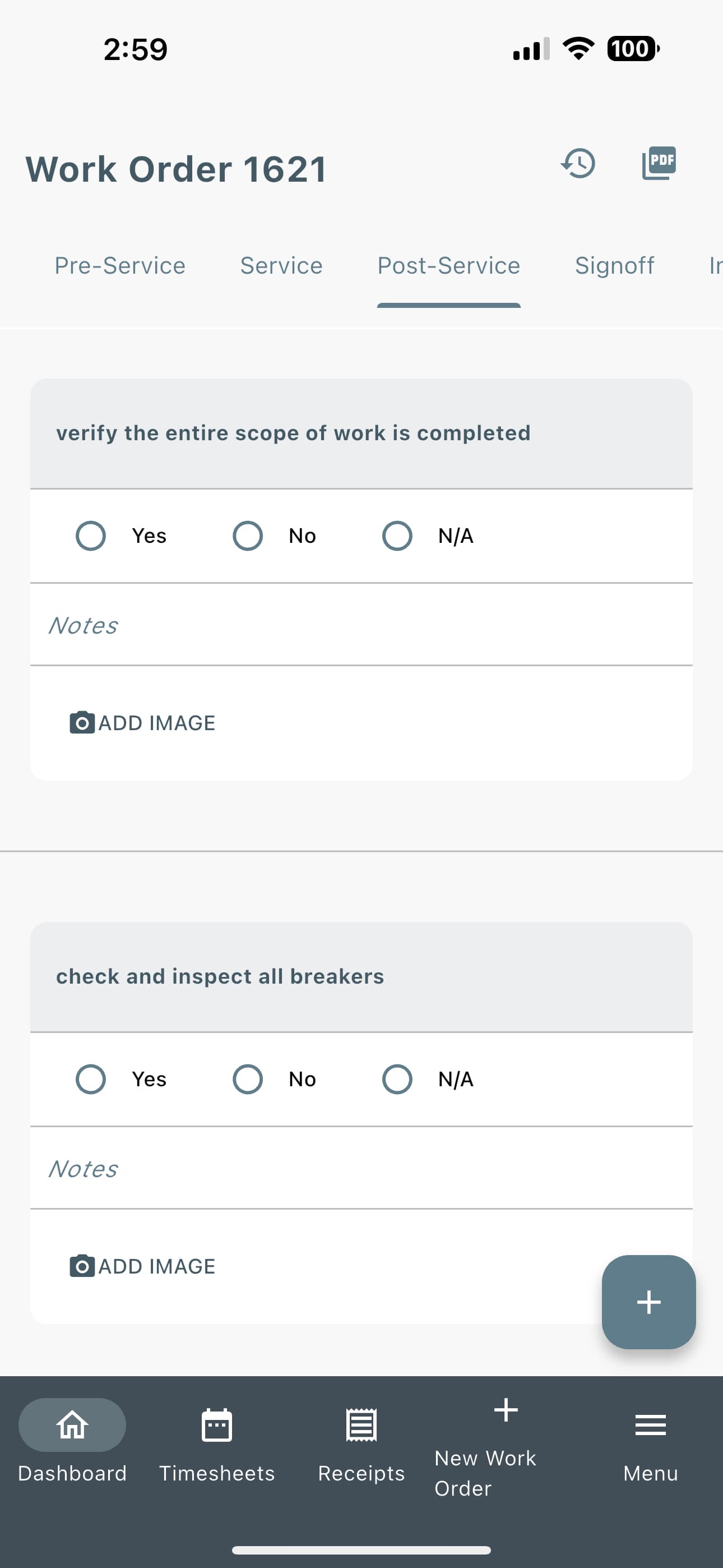
The Post-Service Inspection allows technicians to document completed work, confirm inspection points, and identify potential future service needs.
Use this section to:
- Review and complete required inspection items.
- Document additional issues found during the job.
- Record recommended future work.
For example:
- If you noticed 3 burnt-out lights in the entryway during the initial inspection, record them here to create a documented record and notify the customer of future service needs.
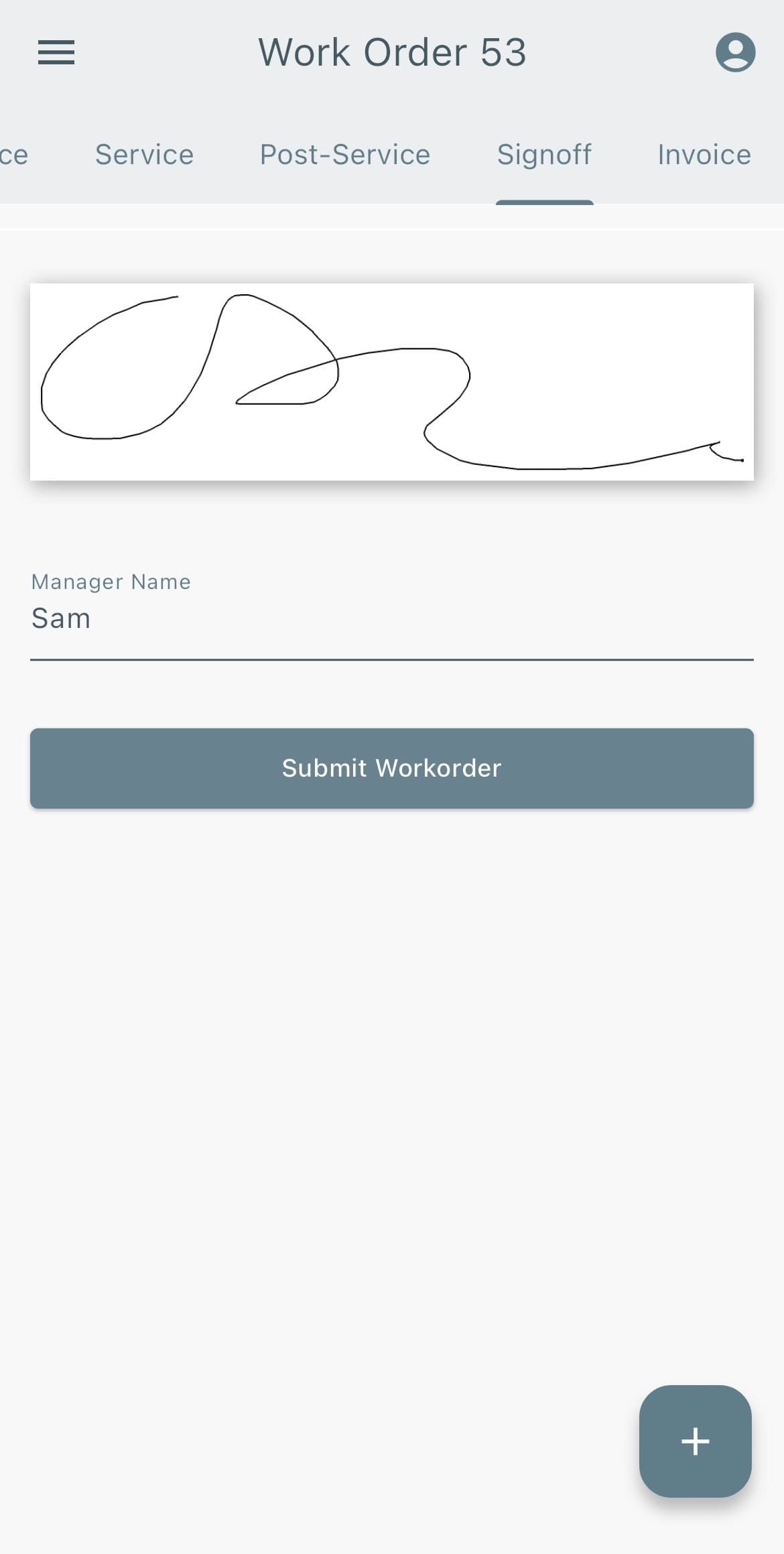
Sign-off
Before leaving the job site, collect the authorized person’s:
- Printed name
- Signature
The sign-off confirms the technician was on-site and that the completed work has been reviewed and approved.
Lexul Field Service simplifies the service workflow by capturing all required job details in one place.
Technicians can document work, collect important information, and complete each step of the job without relying on notes, extra phone calls, or follow-up requests for missing details.
Everything needed for accurate invoicing is recorded directly within the work order.